

To track subscription price changes, keep the old amount, record the first renewal affected by the new price, and make your tracker’s cost match the next confirmed bill. Check the first receipt at the changed price before treating the update as complete. You can do this in a simple note or use Subpli’s manual subscription records and renewal reminders.
An announced increase is not always your next charge. The notice might arrive before one more renewal at the old rate, or the advertised price might apply only to new customers. This guide separates those dates and amounts. It does not describe Subpli as an automatic price-change detector or a service that changes your provider’s billing.
1. Confirm the price for your exact plan
Open the billing source for the subscription: the provider’s account, an App Store or Google Play subscription page, or the relevant receipt and notice. Check the account and plan name, currency, billing period, new amount and first renewal at that amount. An announcement date and a renewal date are different facts.
Apple’s subscription price-change guidance says App Store and Apple-service increases are notified in advance through email, push notifications and in-app notices. That does not establish one universal approval rule for every increase. Read the notice that applies to your subscription rather than assuming silence always means cancellation—or always means acceptance.
Google Play’s official subscription documentation distinguishes new purchase prices from existing subscriber pricing, with different price-change processes. A service’s public sign-up page is therefore not enough to establish your next bill. Use your own account-specific terms and notice.
- Same plan? A switch to a different tier or billing period is not a like-for-like price comparison.
- Same currency and period? Compare monthly with monthly, or yearly with yearly.
- What changes first? Write the first affected renewal date explicitly; if it is unclear, confirm it with the billing provider.
If the service is missing from your records altogether, start with our subscription-inventory guide. The steps here are for maintaining a known subscription after a change—not finding every payment from scratch.
2. Keep a short change note before replacing the amount
Before editing a cost, preserve enough context to explain the change later. At minimum, keep the old amount and period, the announced new amount, the first affected renewal, and where you checked it. Use an account nickname if needed, not passwords, full payment-card details or sensitive account numbers.
A compact note can look like this. Every amount and date below is fictional:
Old: USD 9/month. Next renewal: 10 June, USD 9. New: USD 12/month from 10 July. Source: provider notice, checked 1 June. Review: after the 10 June renewal; verify the first changed receipt in July.
This note records what you know without pretending the July charge has already happened. Keep the original notice or receipt separately so you can revisit the source. A typed note is your summary, not the billing provider’s confirmation.
3. Keep the next-payment record accurate in Subpli
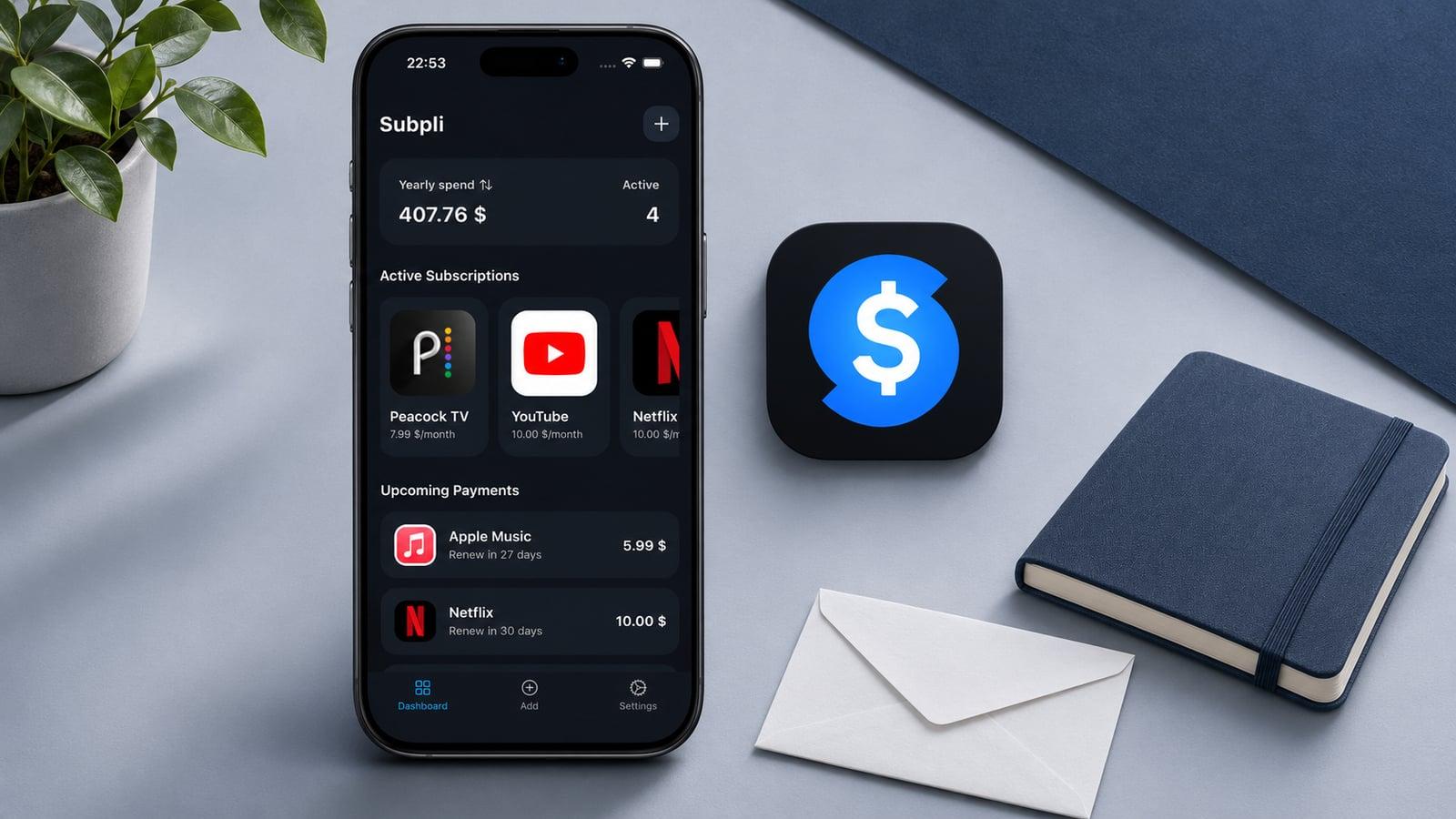
Subpli is Zappira’s subscription manager for iOS and Android. Its current official listings document plan names, costs, notes, categories, upcoming payments and reminders before renewal. Here, the useful job is keeping a manual next-payment record and a brief price-change note together.
Use the same meaning for the cost field each time: the amount confirmed for the next renewal. Keep the old amount and any later change in the note until you have checked the relevant transition. The product illustration uses Subpli’s real dashboard and official icon; its service amounts are source demonstration data, not current provider prices or the worked example below.
- Record the provider’s amount, currency and actual billing frequency. Preserve the old price in your note before changing it.
- Check which renewal is next. If an intervening bill still uses the old price, do not replace it with the later price yet. If the next confirmed renewal is already at the higher price, use that amount.
- Reopen the saved record and check its cost and upcoming-payment date against the billing source. Keep the real renewal schedule; do not move it simply to create a reminder.
Subpli documents reminder choices 1, 3 or 7 days before renewal. A renewal reminder is a prompt to review what you entered; it does not discover a provider’s new price. If your decision or record-update date falls earlier or between renewals, use a separate calendar/reminder for that review instead of misdating the subscription. For an alert problem, see our iPhone reminder checks.
Know the limits: we have not verified automatic price monitoring, an automatic future-price schedule or a historical-price ledger in Subpli. A manual note does not make the dashboard a precise forecast across a future price boundary. Use a separate worksheet if you need that forecast, and keep one clear owner for the next-bill record.
If a manual subscription list with notes and renewal reminders fits, check Subpli’s current official listing for your device:
4. Walk through the renewal that still has the old price
Suppose a fictional monthly service charges USD 9, with the next renewal on 10 June. A notice confirms USD 12 starting with the 10 July renewal. The point is not to choose a clever label: it is to avoid showing USD 12 as the June bill or leaving USD 9 in place when July becomes next.
| Review point | Next confirmed bill | Record action |
|---|---|---|
| Notice arrives before 10 June | 10 June: USD 9 | Keep cost at USD 9; note USD 12 from 10 July |
| After confirming the June renewal | 10 July: USD 12 | Update next-bill cost to USD 12; retain old-price note |
| After the July charge posts | Check provider’s next renewal | Compare the receipt with USD 12; record any difference |
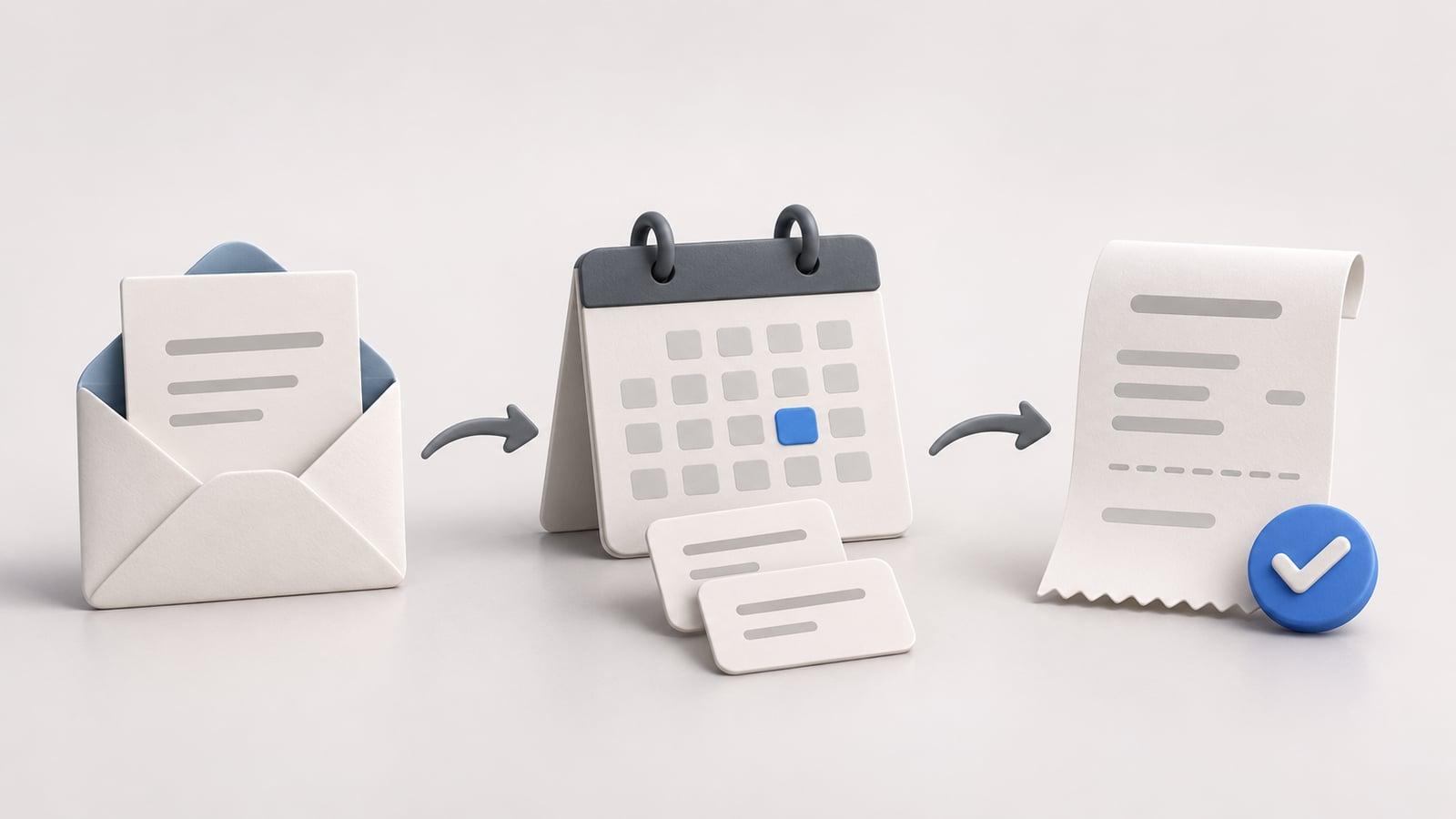
The illustration shows the sequence: notice, next-renewal check, then receipt check. It is an editorial workflow concept, not a Subpli screen or an automated price-history feature.
Do not add a second active subscription just to hold the new price. That can leave two records representing one service and make your own totals misleading. Keep the change note with one active record, or keep a clearly separate change log outside the tracker. If you need historical reporting, do not assume an edited cost preserves earlier values automatically.
For a simple comparison, the fictional monthly increase is USD 3: 12 minus 9. Over twelve renewals at the same new rate, that difference would total USD 36. That is arithmetic for this invented example—not a savings claim, a forecast of your charges or a test of Subpli’s dashboard calculation. An annual plan still has its actual annual renewal; do not enter the monthly equivalent as a monthly bill.
5. Check the first changed receipt and finish the update
When the first affected renewal is billed, compare the actual receipt with the plan, period, currency and amount you recorded. If it differs, investigate the explanation rather than silently rewriting the record: a plan change, an ended promotion, a separately identified charge or a currency conversion may need different treatment.
A changed converted amount alone does not prove the provider raised its source-currency price. Our multiple-currency subscription guide covers that separate issue. Keep this review focused on the provider’s confirmed price and first affected renewal.
If you decide to stop or change the service, do so through its actual billing provider and retain the confirmation. Editing a tracker is not cancellation. Google’s subscription-management guide also explicitly warns that uninstalling an app does not cancel its Google Play subscription. Direct-billed services can have different management routes.
A repeatable price-change checklist
- Source: did I check the correct account and plan rather than a public headline price?
- History: can I still see what the old amount and billing period were?
- Timing: have I recorded the first affected renewal, including any intervening old-price bill?
- Next payment: does the tracker’s amount match that next confirmed renewal?
- Follow-through: have I reviewed the first changed receipt and kept any cancellation or plan-change confirmation?
This method works in a plain note as well as a dedicated tracker. Subpli can organize the documented recurring-payment fields and reminders; the source check and updates remain yours. Preserve the old price, advance the next-payment amount at the right point, and the new charge no longer has to erase the reason your total changed.