

You can track subscriptions without linking your bank account by building the list yourself, recording each renewal date and billing cycle, and setting reminders before every charge. The trade-off is simple: you keep control of what enters the tracker, but you must add new subscriptions and update changes yourself.
The most reliable setup uses three layers: an initial audit to find recurring payments, one structured list as the source of truth, and a short monthly review. This guide shows the complete workflow on iPhone and Android.
The no-bank subscription tracking method
- Find every recurring payment. Check Apple and Google subscriptions, email receipts, provider accounts, and recent card statements.
- Record the details once. Save the service, amount, billing interval, next renewal date, payment method label, and a cancellation link or note.
- Set an early reminder. Choose enough lead time to decide whether to keep or cancel before renewal.
- Review the list monthly. Add new services, update price or date changes, and mark cancelled subscriptions inactive.
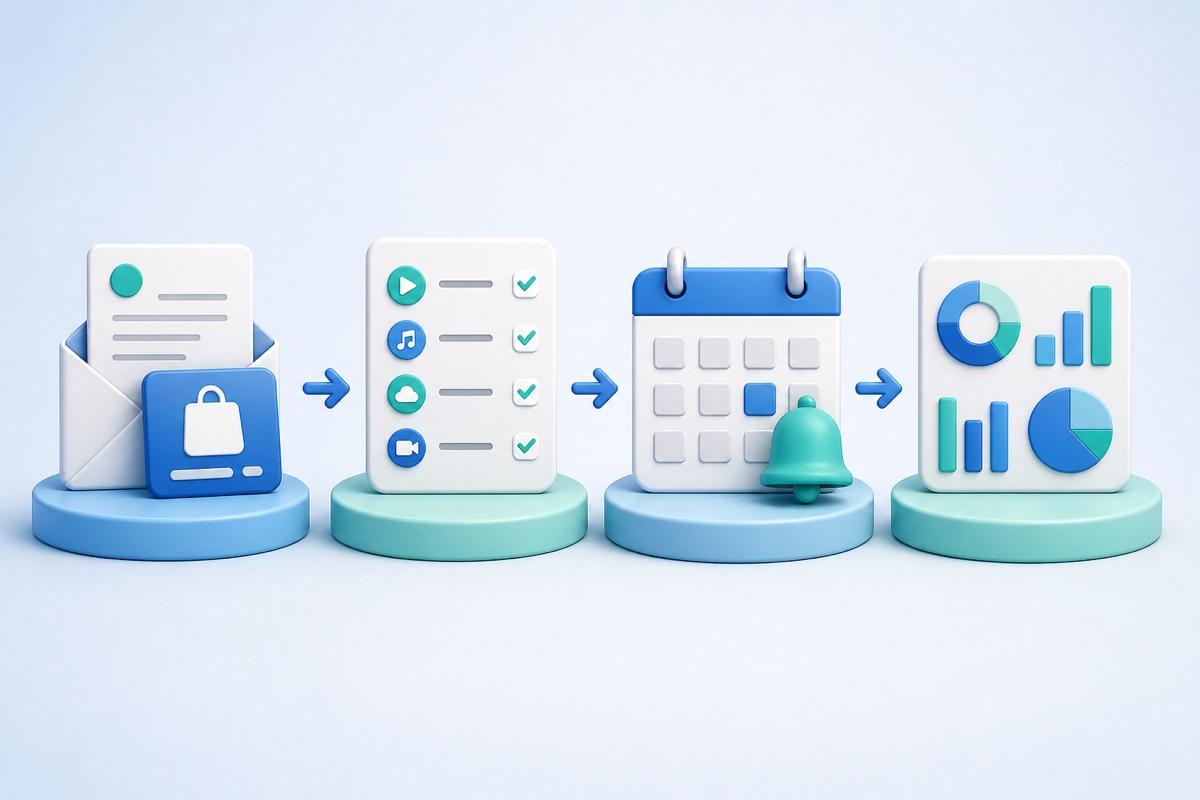
Step 1: find subscriptions without giving a tracker transaction access
Start with the systems that already know about your purchases. On iPhone, Apple says you can view App Store purchase history and manage Apple-billed subscriptions from your account. Its current iPhone guide points to Settings → your name → Subscriptions, while purchase history is available through the App Store account menu. Apple also notes that purchase history includes in-app purchases and subscriptions.
On Android, open Google Play subscriptions while signed in to the Google Account used for the purchase. Google advises checking other accounts and email receipts when a subscription appears to be missing. An important limit applies on both platforms: these lists cover subscriptions billed through that store, not every subscription purchased directly from a provider.
Use this audit order
- App stores: review active and expired Apple or Google Play subscriptions.
- Email: search for terms such as “renewal,” “subscription,” “receipt,” “membership,” and “trial ending.”
- Statements: scan the last 12 months so annual renewals are not missed.
- Provider accounts: check services billed directly by streaming, software, cloud, fitness, news, or telecom companies.
- Family and work payments: note subscriptions charged to a shared card or reimbursed by an employer.
If you are auditing an iPhone specifically, the existing guide to finding and cancelling forgotten subscriptions on iPhone covers the Apple-billed and provider-billed paths in more detail.
Step 2: record the fields that make the list useful
A list of service names is not enough. Each entry should answer three questions: what is it, when does it renew, and what action will you take before that date?
| Field | Why it matters |
|---|---|
| Service and plan | Distinguishes similar personal, family, or business plans. |
| Amount and currency | Makes monthly and yearly totals meaningful. |
| Billing interval | Separates weekly, monthly, annual, and custom renewals. |
| Next renewal date | Drives the reminder and upcoming-payment view. |
| Payment method label | Helps locate the charge without storing full card details. |
| Cancellation location | Records whether to cancel through Apple, Google Play, or the provider. |
| Keep/cancel note | Turns the tracker into a decision list instead of passive bookkeeping. |
Do not store bank credentials or complete card numbers in a notes field. A simple label such as “personal Visa” or “work card” is enough to identify where to investigate.
Step 3: choose a tool that matches your maintenance style
Calendar or reminders app
This works when you have only a few renewals and mainly need alerts. It is quick to set up, but it does not naturally show total recurring spend or make category review easy.
Spreadsheet
A spreadsheet is flexible and easy to export. It is a strong choice for custom analysis, shared business costs, or a detailed audit. The weak point is reminder handling: formulas can calculate dates, but notifications usually need a separate calendar or automation.
Manual subscription tracker
A dedicated manual tracker combines structured entries, renewal reminders, and recurring-spend totals. Subpli, developed by Zappira, supports manual subscription records, reminders one day, three days, or one week before renewal, monthly and yearly dashboard totals, categories, catalog-assisted entry, and multiple currencies. Its current official listings are accessible for iPhone/iPad and Android.
Choose it if: you want a focused mobile list and reminders without relying on automatic transaction discovery. Limitation: Subpli can only remind you about entries you create and keep current; it does not find or cancel subscriptions automatically.
You can review the Subpli product page, then use the official store for your device.
Bank-linked subscription tracker
Automatic transaction analysis can reduce setup work and help discover recurring charges you forgot. It may be the better choice when discovery matters more than manual control. Its blind spots can include trials that have not charged yet, renewals outside the analyzed history, purchases on another person’s card, or charges whose merchant name is unclear.
Step 4: keep a manual tracker accurate
The initial setup is only half the job. Use a repeatable maintenance rule:
- Add a subscription immediately after starting it.
- Update the amount or renewal date when a provider changes the plan.
- Review upcoming renewals once a week.
- Compare the tracker with statements once a month.
- Run a full 12-month audit twice a year to catch annual charges.
- Mark cancellations only after the provider or app store confirms them.
Uninstalling an app is not the same as cancelling its subscription. Google explicitly warns that uninstalling does not cancel a Google Play subscription. Apple and Google both direct users to their subscription-management screens for store-billed plans; provider-billed services must be managed with that provider.
A simple monthly review checklist
- Does every statement charge have a matching tracker entry?
- Are next renewal dates still correct?
- Did any amount, billing interval, or currency change?
- Are you still using each service enough to keep it?
- Does any annual renewal need a longer decision window?
- Were cancelled services actually removed from future billing?
Bottom line
Tracking subscriptions without linking a bank account is practical when you prefer a deliberate manual system and will maintain it. Audit app stores, receipts, statements, and provider accounts; record complete renewal details; set reminders; and reconcile the list monthly. Choose a calendar for a tiny list, a spreadsheet for custom analysis, or a manual tracker such as Subpli for structured mobile reminders and recurring-spend totals.