

Keep each subscription in the currency its provider bills, then convert those amounts into one currency for planning. Keep the amount your card issuer actually posts as a separate record. This prevents two common mistakes: adding unlike currencies together and overwriting a service’s original price with an estimate.
To track subscriptions in multiple currencies, you can use a manual table or an app that supports currency-based totals. Subpli is one option for organizing the recurring payments on your phone. The important part is knowing what each number means—not expecting a dashboard estimate to predict an exact bank charge.
1. Start with the original bill, not the converted card amount
Open the latest invoice, receipt or billing page for each service. Record the amount and currency the provider actually charges, the billing frequency and the next renewal date. Use a currency code such as USD, EUR or GBP rather than an ambiguous dollar symbol alone.
- Original price: the amount and currency on the provider’s bill. Keep this as your source value.
- Planning estimate: the converted value in your chosen reporting currency, using a stated rate or your tracker’s conversion.
- Posted charge: the amount that ultimately appears on the payment account, including any separately identified charges you need to account for.
For example, if a provider bills EUR 6 monthly and your account later shows USD 7.34, do not silently change the provider’s price to USD 7.34. Those are different records. If the provider itself changes the subscription’s billing currency, update the original record after confirming the new billing terms.
Missing services are a separate problem from conversion. Our bank-free subscription inventory guide explains how to collect recurring payments before organizing them.
2. Enter the source amount and currency in Subpli
Subpli, Zappira’s subscription manager for iOS and Android, supports manually recorded subscriptions, categories, recurring billing and reminders. Its product page describes choosing a currency and updating totals; the current iOS listing also describes automatic exchange-rate updates. This makes it relevant when your recurring services are billed in more than one currency.
- Add a subscription and enter the provider’s original amount. Check the Currency field rather than assuming the default matches the invoice.
- Set the actual billing Frequency and next relevant date. An annual bill should not be entered as a monthly charge simply to make the dashboard look comparable.
- Choose the available currency setting you want to use for reviewing totals. Reopen the saved entry and check the source amount, currency and frequency against your invoice.
- Add a reminder if you want to review the service before renewal. A reminder does not cancel the subscription or change the provider’s charge.
Labels and screen placement can vary by version and platform. The illustration uses Subpli’s real dashboard and official icon; its sample dollar amounts are not current service prices, live exchange rates or a demonstration of a separate currency-converter screen.
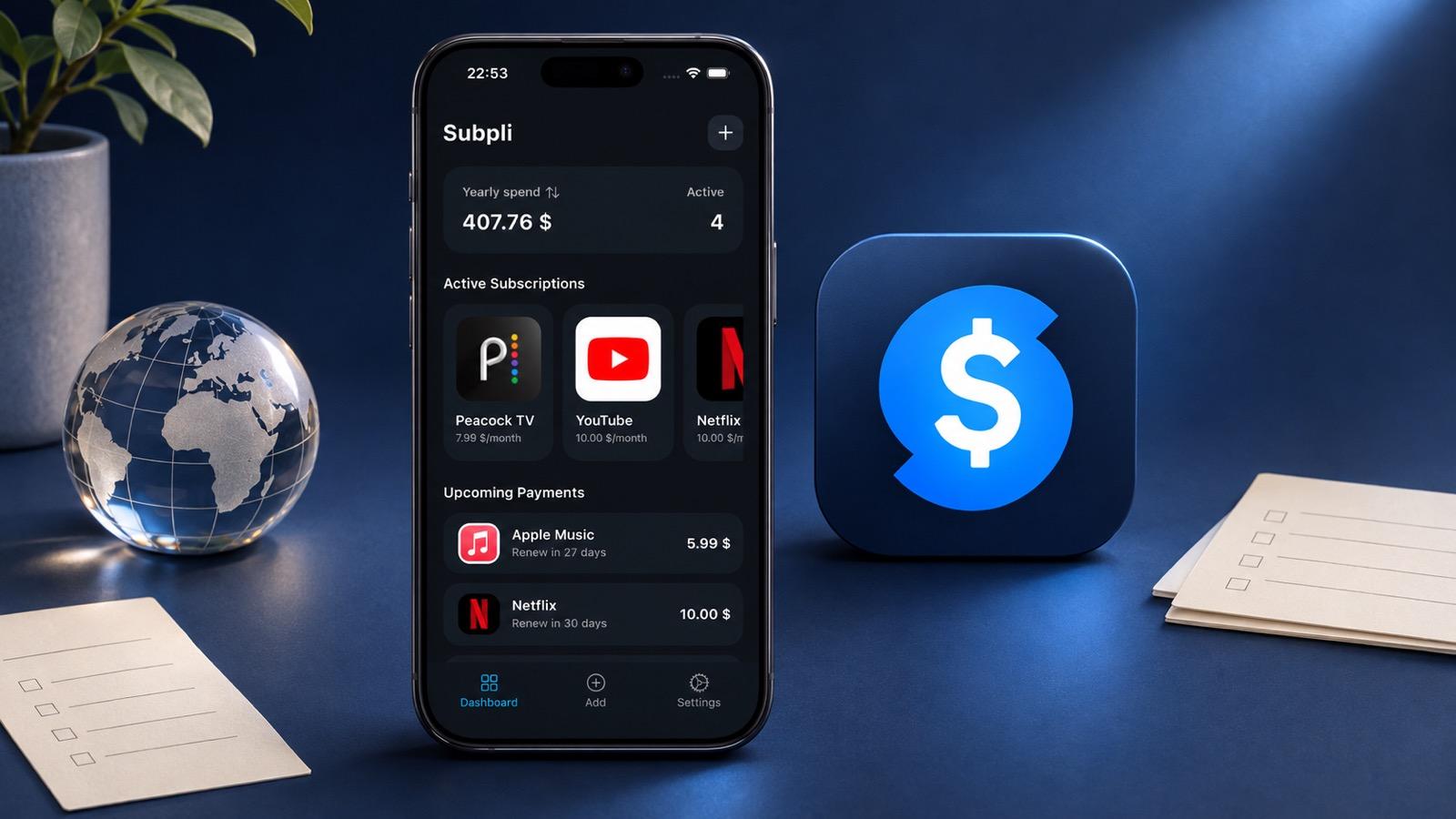
Check the limits: we have not verified Subpli’s complete supported-currency list, exchange-rate supplier, exact refresh schedule or historical-rate accounting. Automatic rate updates are documented in the iOS listing; do not assume identical controls on Android. If your required currency is unavailable in your version, keep a clearly labeled manual record rather than assigning the wrong currency.
If this recurring-payment workflow fits your needs, check Subpli’s current official listing for your device:
3. Compare like periods in one reporting currency
For a manual check, choose one reporting currency and convert each foreign-currency amount before adding the values. Keep all items on the same time basis. The following example uses three fictional monthly services and deliberately invented exchange rates—not current rates, actual service prices or Subpli’s internal calculation method.
| Fictional service | Original monthly bill | Hypothetical rate | USD estimate |
|---|---|---|---|
| Service A | USD 12.00 | Already USD | USD 12.00 |
| Service B | EUR 6.00 | 1 EUR = USD 1.20 | USD 7.20 |
| Service C | GBP 8.00 | 1 GBP = USD 1.25 | USD 10.00 |
The comparable planning total is USD 29.20 per month: 12.00 + 7.20 + 10.00. Adding the original figures as 12 + 6 + 8 would produce 26 with no meaningful common currency.
Check the direction of a quoted rate. In the example, the rate is USD per one EUR, so EUR 6 × 1.20 gives USD 7.20. A quote in the opposite direction needs the opposite operation. Write down the rate’s units and date when doing your own calculation; do not label a manual reference calculation as an exact card-charge forecast.
Annual and monthly bills also need a consistent comparison period, while retaining their real renewal schedules. If you need a custom worksheet, see our subscription tracker versus spreadsheet comparison. A separate worksheet is useful when you need explicitly recorded historical rates that have not been verified in the app.
4. Understand why the estimate and posted charge can differ
A provider’s price can stay unchanged while its converted planning value moves with exchange rates. That alone does not establish a price increase or an app error. First check whether the original invoice amount changed, then compare the conversion basis.
Think of the invoice, estimate and statement as separate records. This editorial illustration represents that distinction; it is not a Subpli interface or a promise that the three amounts will match.

The European Central Bank’s reference-rate page explicitly describes its rates as informational, not transaction rates. That is useful context for any reference-rate calculation; it does not mean Subpli uses ECB data.
Visa’s exchange-rate calculator guidance likewise explains that its calculation is an estimate and that issuer practices, processing timing and applicable fees can affect the result. Check your own issuer’s terms and the posted transaction details rather than assuming a tracker uses the same rate.
After the payment posts, compare it with the original bill. Note the actual account-currency amount separately if you track cash spending. Do not keep rewriting a stable provider price every time the conversion changes. If there is an unexplained difference, check the invoice, transaction currency, date and issuer fee details before contacting the provider or issuer.
A short review routine for the next renewal
- Source check: does the saved amount and currency still match the provider’s current bill?
- Schedule check: is the billing period and renewal date correct, including any confirmed change?
- Estimate check: are you comparing totals in one reporting currency and on one time basis?
- Statement check: once charged, have you kept the posted amount distinct from the planning estimate?
- Decision check: if you no longer want the service, use the provider’s actual cancellation route and confirm the outcome. Updating a tracker is not cancellation.
The simplest reliable system preserves the original bill. Use Subpli’s documented currency and recurring-payment features for organization where they fit your version, or use a labeled manual table. Treat converted totals as planning information, keep actual charges separately, and you can compare services without losing the details needed to explain a renewal.