

Choose a subscription tracker such as Subpli if your priority is a mobile list with renewal reminders and recurring-spend totals. Choose a spreadsheet such as Google Sheets if you need your own columns, calculations, and review process—and are willing to maintain a separate reminder system.
Neither choice removes the work of keeping subscription details accurate. The useful question is where you want that work to happen: inside a dedicated tracker, or across a sheet and calendar.
Subscription tracker vs spreadsheet: the short comparison
This comparison uses Subpli’s current official listings and Google’s documentation. The spreadsheet option means a basic manually maintained Google Sheet, optionally paired with Google Calendar—not a custom system built with scripts or third-party automations. No hands-on performance test or savings estimate is claimed.
| Decision | Subpli | Google Sheets + optional Calendar |
|---|---|---|
| Renewal alerts | Documented reminders 1, 3, or 7 days before renewal | Create recurring Calendar events and configure their notifications separately |
| Spending overview | Documented monthly/yearly totals and upcoming charges | Build the columns and formulas you need |
| Custom analysis | Subscription-focused fields and categories | Custom columns and calculations suit bespoke questions |
| Mixed currencies | Listing describes multi-currency support and exchange-rate updates | Choose and maintain your conversion method; do not simply add different currencies |
| Upkeep | Update the subscription record when details change | Update the row and any related calendar event |
| Best fit | Focused mobile renewal management | Custom reporting with a maintenance routine you will follow |
Subpli: keep renewal details and reminders together
Subpli is Zappira’s subscription manager for iOS and Android; Zappira also publishes this comparison. Its current store listings describe plan names, costs, notes, categories, monthly and yearly dashboard totals, upcoming payments, and reminders before renewal. It fits a reader who wants a dedicated mobile workflow rather than designing a spreadsheet.
The illustration uses Subpli’s real dashboard and official icon as references. The services and amounts shown are demonstration data from the source screen, not current service prices or your projected spending.
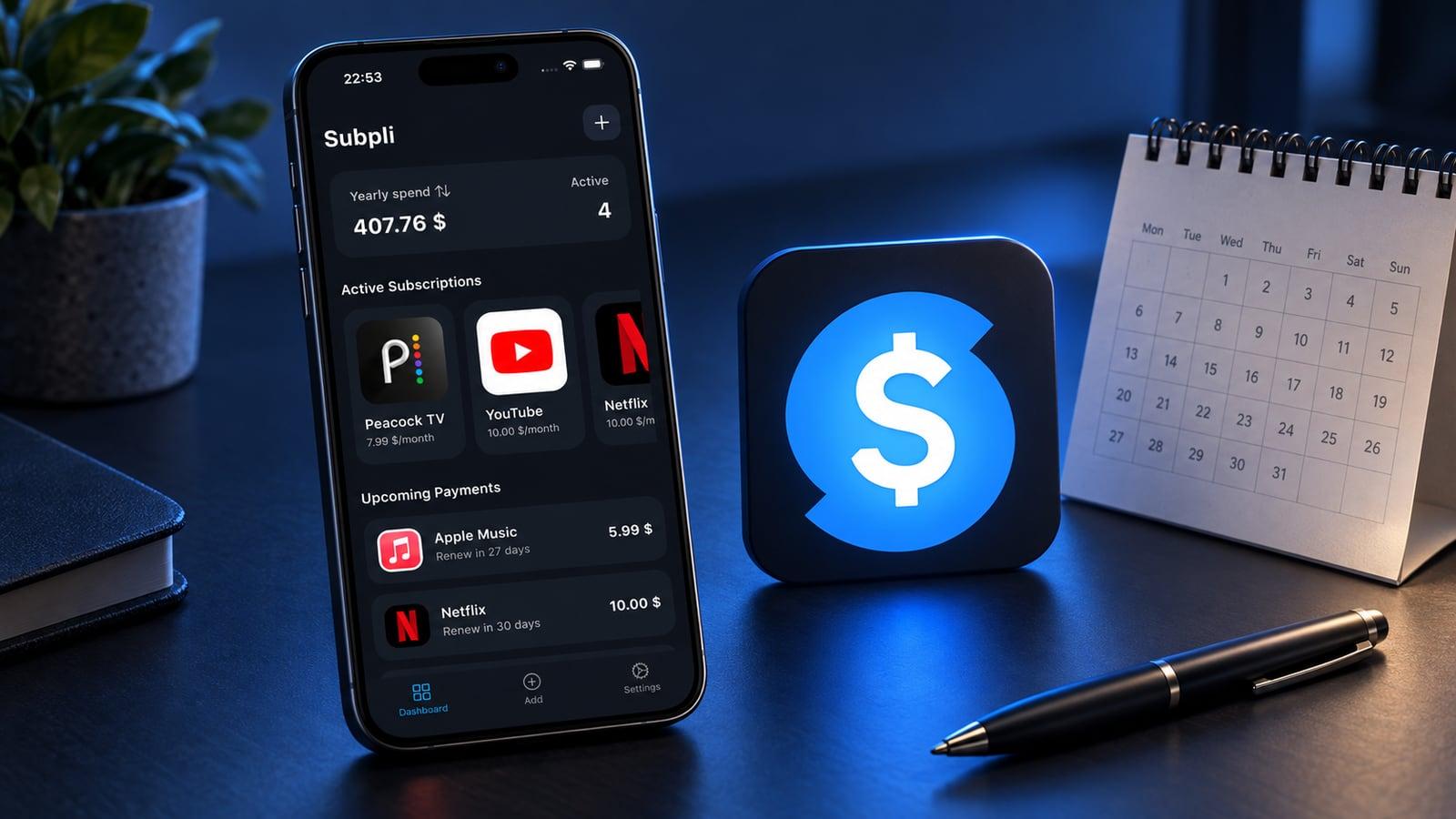
The advantage is less setup between recording a renewal and getting an alert: reminders belong to the subscription workflow. Its listed reminder windows are one day, three days, or one week before renewal. Choose enough time to make a decision and check that notifications are enabled; an alert is not a guarantee that you will see or act on it.
The limitation: you still need correct records. Do not assume the app discovers every payment, cancels services, or provides arbitrary spreadsheet-style calculations. Those capabilities are not established by the sources used here. A tracker can organize your decision, but the provider’s account remains the place to verify billing details and cancellation requirements.
If this focused mobile workflow suits you, review Subpli’s current official listing for your platform.
Google Sheets: build the view your questions require
A spreadsheet is a strong choice when you want to answer questions a standard dashboard may not cover: which costs belong to a project, which services are shared, or what the total would be after removing selected plans. You decide the columns and calculations instead of adapting your question to a fixed view.
For a simple personal sheet, start with service, amount, currency, billing interval, next renewal, monthly equivalent, and decision note. Add a column only when you will use it. Google documents SUM for adding numeric cells; the important preparation is making those cells comparable.
A row containing a renewal date is not the same as a configured alert. This neutral editorial illustration represents a separate sheet and calendar; it is not a Google interface or an automatic synchronization feature.
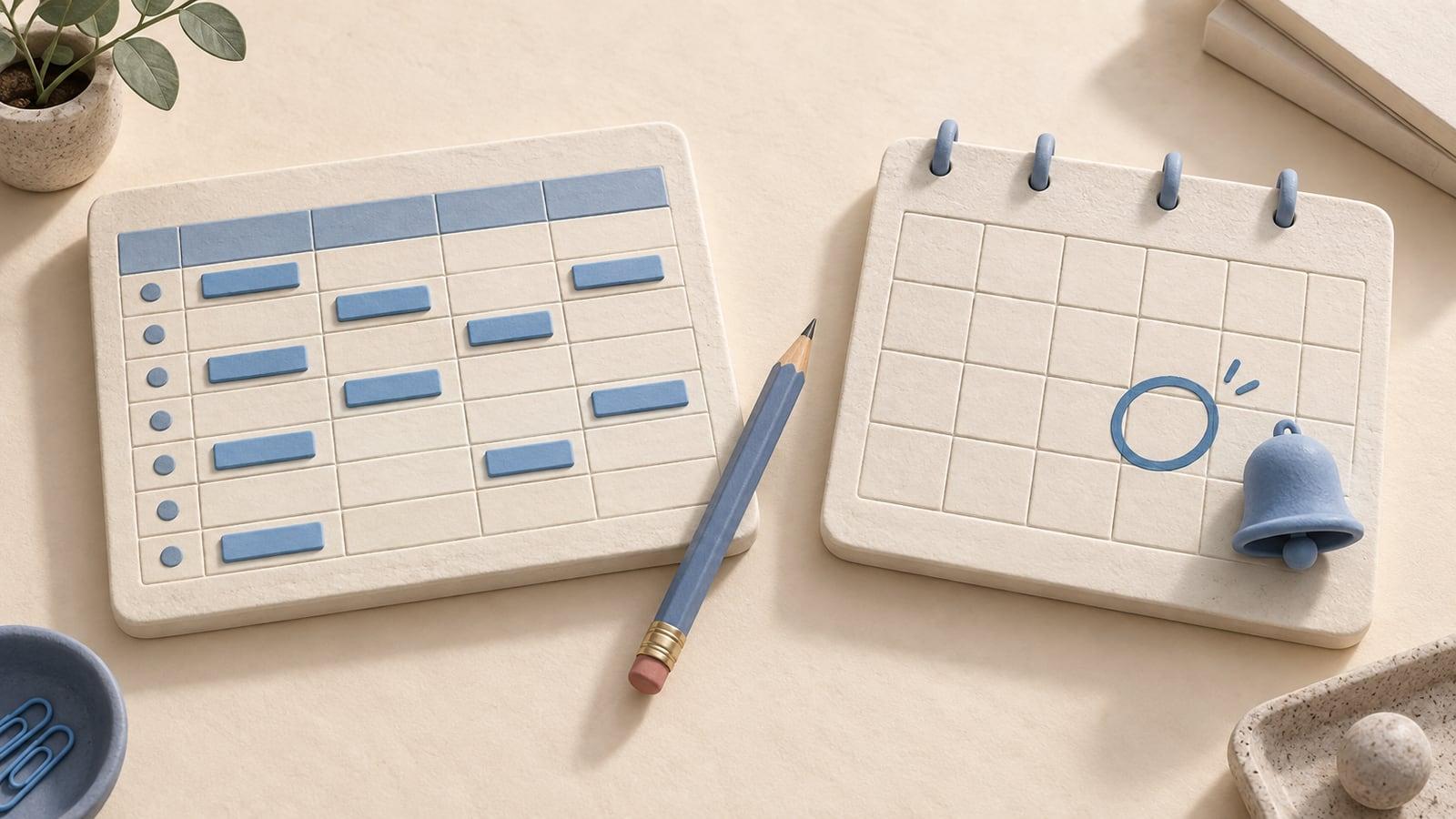
Google Calendar supports recurring events and event-specific notification settings. For this setup, create an event on the confirmed renewal date, choose the appropriate repeat pattern, and configure an advance notification. Keep its title identifiable—for example, “Review music plan renewal.”
The limitation: the row and event are separate records in this basic setup. A changed billing date or cancelled plan needs attention in both places. Scripts and add-ons can change that workflow, but require their own setup, permissions, and verification; this comparison does not assume you have them.
Worked example: monthly equivalent is not the next bill
Suppose three fictional services are billed in the same currency: a music plan costs 12 each month, a storage plan costs 60 each year, and a learning plan costs 24 each month. Convert the annual cost to a monthly equivalent before adding them.
| Illustrative service | Billing amount | Monthly equivalent |
|---|---|---|
| Music plan | 12 monthly | 12 |
| Storage plan | 60 yearly | 60 ÷ 12 = 5 |
| Learning plan | 24 monthly | 24 |
| Total | Different billing schedules | 41 per month equivalent |
In a sheet, put these comparable monthly equivalents in one column, then sum that range—for example, =SUM(F2:F4) if the values are in F2 through F4. The annual equivalent is 41 × 12 = 492, assuming these costs remain unchanged. The storage provider still charges 60 at annual renewal, not 5 every month.
Use the normalized total for comparing recurring commitments and the actual billing amount plus renewal date for upcoming payments. Keep mixed currencies separate unless you deliberately convert them with an identified exchange-rate method. This example illustrates the calculation; it is not a test of Subpli’s internal formula.
Choose by the changes you are willing to maintain
Before switching tools, walk through three ordinary changes. The better fit is the system in which you can finish each update without leaving conflicting records.
- A price increases: update the amount in the tracker, or update the sheet’s amount and any manually entered reminder note.
- A renewal moves: update the tracker’s renewal details, or update both the sheet date and related calendar event.
- You cancel: reflect the change in the tracker, or update the sheet and remove or revise obsolete calendar reminders. Keep the provider’s cancellation confirmation separately.
Choose Subpli when the priority is a focused mobile renewal list and built-in reminder windows. Choose Google Sheets plus Calendar when custom calculations are the priority and maintaining both records is acceptable. Keep a working spreadsheet if it already answers your questions and you reliably review it; there is no need to switch simply because an app exists.
A hybrid can work if you assign clear roles: one system owns dates and reminders, while the sheet is a periodic analysis snapshot. Do not assume an export or synchronization link between Subpli and Sheets; none was verified. Two independent “master” lists create twice as many places for a changed date to be missed.
If you have not built the initial list yet, our guide to tracking subscriptions without a bank connection covers the audit and setup. If you prefer comparing two dedicated apps, see Subpli vs Bobby.