
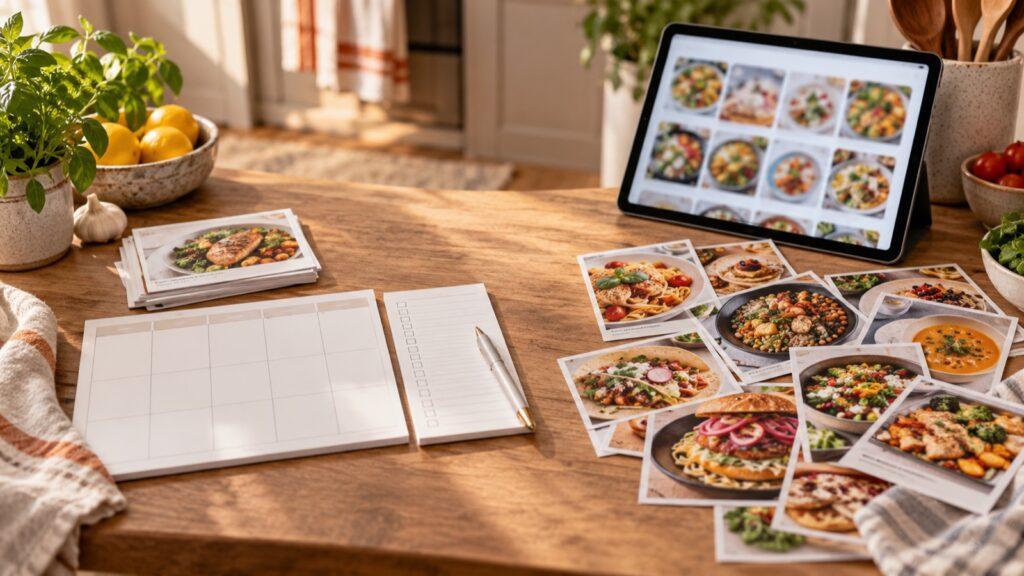
Choose Receply if you mainly want to save your own recipes, place them on a meal calendar, and turn that plan into a shopping list on your phone. Choose Samsung Food if you also want recipe discovery, community features, a web app, and shared meal planning. Both cover the basic save-plan-shop loop; the better fit depends on what you want around that loop.
This comparison uses the apps’ current official descriptions and Samsung Food’s help documentation, not a hands-on speed or reliability test. Receply is made by Zappira, which publishes this article. Check the linked listings before installing because features and access can change.
Receply vs Samsung Food at a glance
| Decision point | Receply | Samsung Food |
|---|---|---|
| Recipe collection | Website import or manual entry; organize with photos and categories | Save web recipes; discover and share through communities |
| Meal planning | Day, week, or month calendar for your recipes | Weekly planner with saved recipes, a queue, previous meals, and plan sharing |
| Shopping | Build a checkable list from planned meals | Add a whole plan or individual recipes to a shareable list |
| Where to use it | Verified iPhone/iPad and Android apps | iOS, Android, and a web app |
| Best fit | A focused personal recipe-to-plan workflow | Discovery, collaboration, and broader connected tools |
The rows describe documented capabilities, not a claim that one app performs them faster. Samsung Food’s current planner guide and product site explain its planning and sharing options; Receply’s App Store and Google Play listings describe its mobile workflow.
Choose by the job you do every week
1. Saving recipes: a personal box or a discovery space?
Receply’s official listings describe importing a recipe from a website or entering one yourself, then keeping its photo, ingredients, steps, and categories together. That is useful when your main problem is scattered links and notes. Its listing also describes recipe sharing, but the value here is the personal collection rather than a public discovery network.
Samsung Food saves web recipes too, while its official site emphasizes communities for finding and sharing ideas. If browsing other people’s recipes is part of your weekly routine, that wider ecosystem is a meaningful advantage. If it is not, decide based on how quickly you can get your recipes into a usable plan.
2. Planning: simple calendar or shared household plan?
Receply’s documented calendar supports daily, weekly, and monthly meal planning. Its real product page shows the planner as part of a recipe-and-shopping workflow. The illustration below is based on the official Receply meal-planner screen and icon; it is a product illustration, not an untouched screenshot.
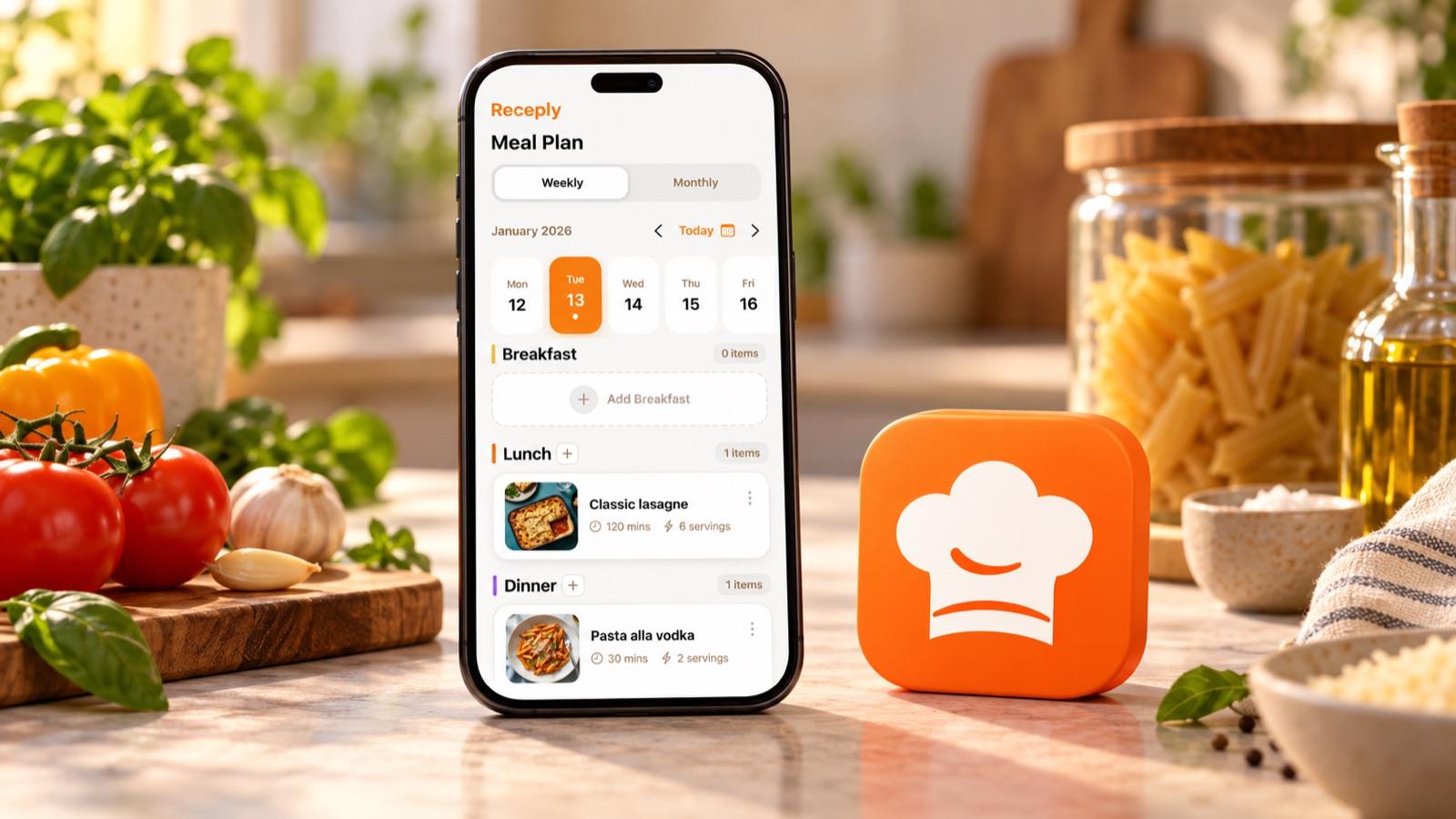
Samsung Food’s current help guide documents a weekly Plan tab, a Queue for meals to schedule later, a Previous tab, and the ability to share a plan from its mobile apps. That makes it worth considering when more than one person decides dinner. Its guide also says saved plan templates have a limit in the basic tier and that personalized plans belong to Food+; check the current product terms if those tools are central to your decision.
3. Shopping: what happens after the calendar is filled?
Both apps can turn planned recipes into a grocery list. Receply describes a checkable list generated from planned meals. Samsung Food’s guide says you can add the full plan or individual recipes, then share the list; it also describes sorting options and retailer delivery where available. Those extras may matter to a household that splits shopping.
Whichever app you choose, check the list against your pantry and the number of servings before you shop. An imported recipe may have a missing ingredient or a quantity that does not match your household. This last check is a practical habit, not a feature claim about either app.
A five-minute decision test
Use one real dinner week to compare workflows rather than counting feature names. Pick two recipes you already cook and one new recipe you want to try:
- Save or enter the three recipes and check that ingredients and steps are complete.
- Place the familiar meals on busy days and the new one on a day with more time.
- Move one meal when plans change. Notice whether the Queue or simple calendar better matches how you think.
- Build the grocery list, remove pantry items, and check serving quantities.
- If another person plans or shops, check the sharing workflow before moving your whole collection.
This is an evaluation method, not a claim that we tested and timed either app. For a more detailed checklist on turning saved recipes into dinners, see our weekly meal-planning guide.
Which one should you install?
Start with Receply if you want a focused mobile place for your own recipe collection, meal calendar, and shopping list. It is the more relevant choice when discovery and shared planning are not priorities. Its current official materials do not present a web planner or a community as core parts of that workflow, so check before assuming either is available.
Start with Samsung Food if recipe discovery, a web browser, collaborative meal plans, or a shareable shopping workflow matter more. Its broader feature set may be helpful, but check which planner features are included in the access level you intend to use.
If Receply fits your routine, check its current listing for your device:
If you need a different kind of recipe manager, our Receply vs Paprika comparison covers cooking tools and desktop access, while the recipe organizer roundup gives a wider view.