
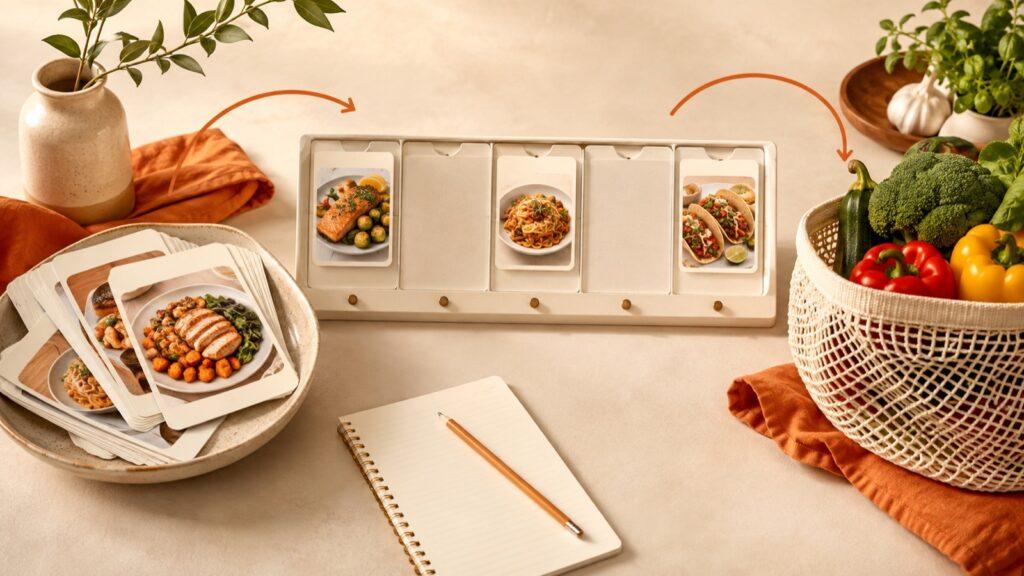
To meal plan from saved recipes, choose a small shortlist, assign meals to the days you can realistically cook, and build one grocery list from those meals. Before shopping, check portions, combine matching ingredients, and remove what you already have. You can do this in a phone note or use a recipe organizer such as Receply to connect your recipes, calendar, and shopping list.
The important change is to separate recipes you might cook someday from meals you intend to cook this week. You do not need to organize your entire collection first.
1. Make a small “cook this week” shortlist
Start with three to five recipes you already saved. Pick familiar meals for busy days and, if you want variety, one new recipe for a day with more time. Leave the rest in your collection rather than treating every bookmark as an unfinished task.
- Open the original recipe. A food photo or short video may not contain all the quantities or cooking steps.
- Keep the essentials together: recipe name, source link, ingredients, method, stated servings, and any notes you need.
- Check an imported copy. Compare quantities, units, oven temperature, and missing steps with the source before relying on it.
- Mark its practical fit. A note such as “quick dinner,” “long oven time,” or “needs a blender” is more useful for scheduling than a large set of decorative tags.
If you are still choosing where to keep your collection, our recipe organizer comparison explains the different approaches. For this first week, use one place you can easily open while shopping and cooking.
2. Plan around your calendar, not an ideal week
Look at the next week before assigning recipes. Which evenings are you home? Which have only a short cooking window? Start with dinners if planning every breakfast and lunch feels like too much.
Put your simplest meals on the busiest days. Leave an unassigned slot for changed plans, and include an easy fallback using ingredients you normally keep. A useful plan has room to move; it is not a promise to cook seven new dishes.
Example: five dinner decisions, only three saved recipes
This illustrative plan is a scheduling example, not a set of tested recipes or a nutrition plan. Substitute meals and timings that fit your household and the recipes you actually use.
| Day | Dinner decision | Why it goes here |
|---|---|---|
| Monday | Saved tomato-and-bean pasta recipe | A familiar option for a busy evening. |
| Tuesday | Your usual omelette and salad | No new recipe to learn. |
| Wednesday | Saved chickpea curry recipe | An evening with enough time for its full method. |
| Thursday | Flexible slot | Move a planned meal here if the week changes. |
| Friday | Saved roasted-vegetable tray recipe | A longer cooking window. |
Saturday and Sunday can stay undecided until your plans are clearer. You have turned a recipe collection into a workable shortlist without creating a complicated system.
3. Turn the chosen meals into a checked grocery list
Build the list only after choosing your meals. Include ingredients for your familiar fallback meals as well as the saved recipes, then add everyday items such as breakfast supplies. An automatically generated recipe list is a starting point, not a record of everything your household needs.
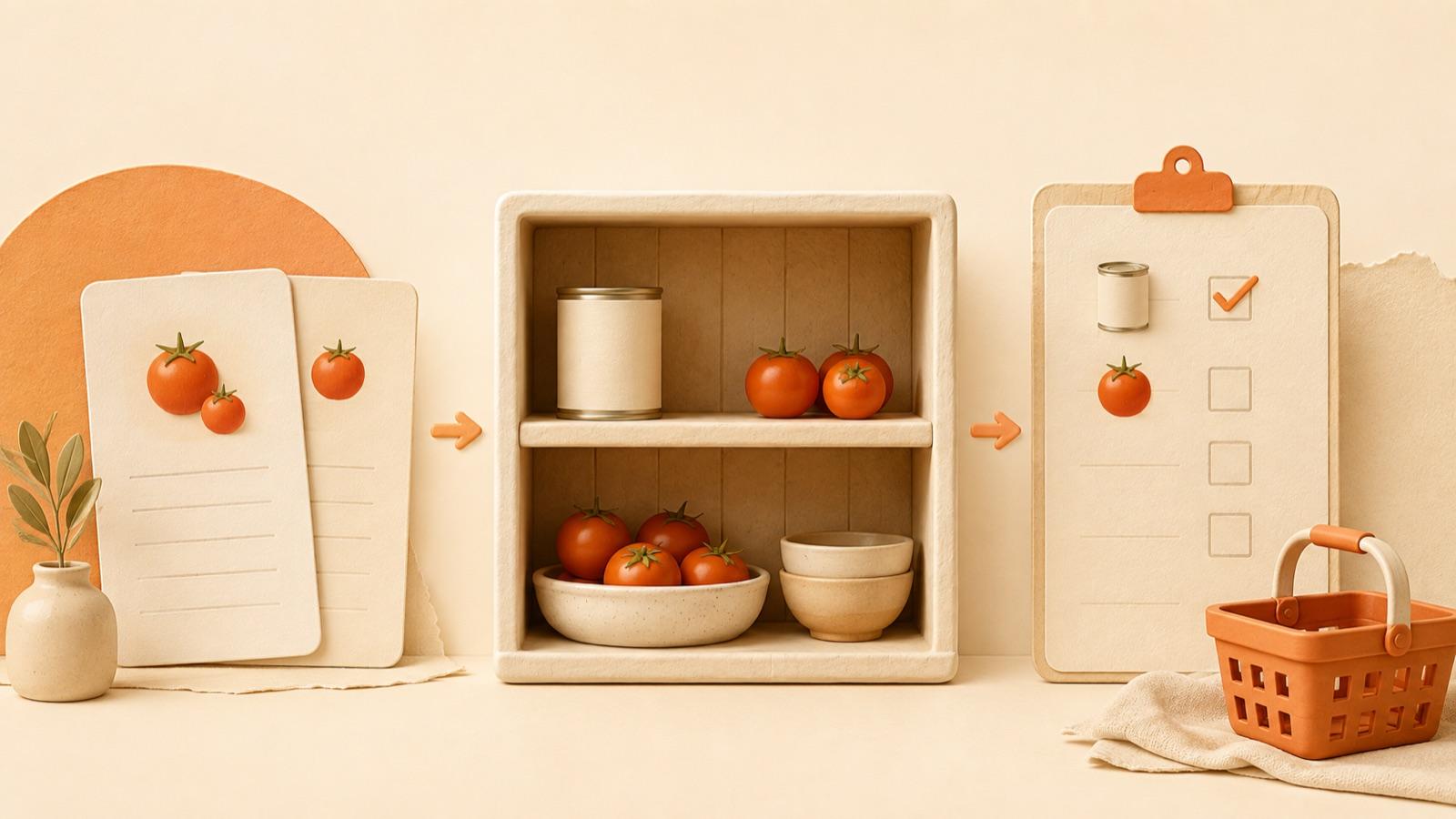
Check portions before combining quantities
Write down how many people each meal needs to serve. If a four-serving recipe uses two cans of beans and you are making half, the ingredient calculation is one can. Check the full recipe before changing batch size; cooking times and equipment do not necessarily scale in the same way.
For a simple shopping example, suppose two selected recipes each need one identical 400 g can of chopped tomatoes. That is two cans in total. If you already have one suitable can, your buy list needs one more. This is a manual check you can use with any list—not a claim that an app tracks your pantry automatically.
- Combine only equivalent ingredients. Do not silently merge tomato paste with chopped tomatoes, or dry rice with cooked rice.
- Keep units clear. Resolve “one pack” against the recipe and package size rather than treating it as a fixed quantity.
- Check your kitchen. Remove items you already have in usable quantities and add anything running low.
- Group for the shop. Produce, chilled items, and pantry goods make a long list easier to review.
If you move or replace a meal, review its ingredients too. A calendar edit and a shopping decision are connected, even when you manage them in separate tools.
4. Use Receply when you want the three parts together
Receply, made by Zappira, combines saved recipes, calendar planning, and shopping lists. Its current official listings describe website imports and manual recipe entry, ingredients and steps, daily/weekly/monthly planning, and grocery lists created from planned meals. It is available on iPhone and Android.
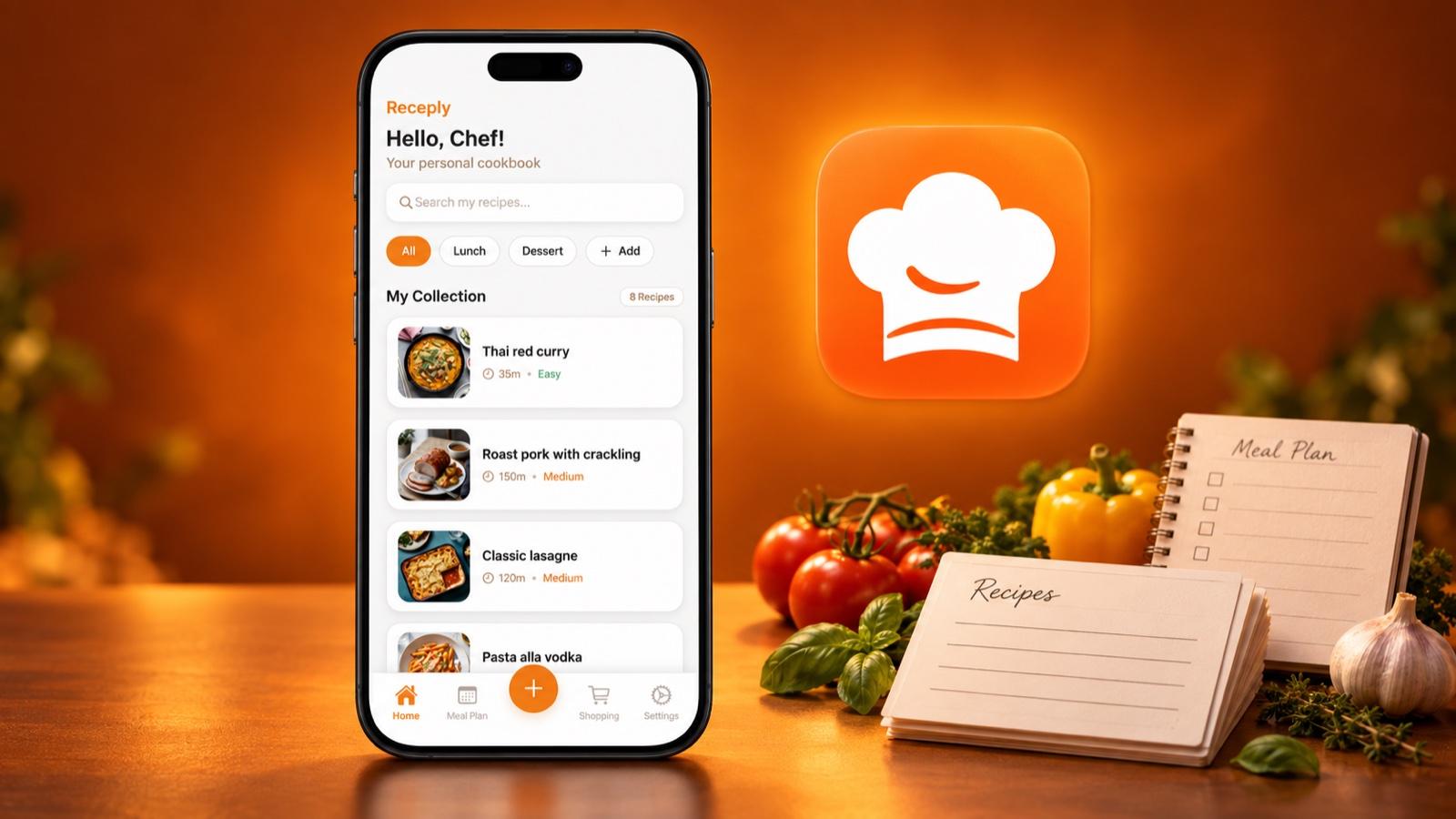
Apply the same workflow inside the app: save a few recipes, review their details, place them in your plan, and create the shopping list. Then do the portion and pantry checks above. The phone visual shows Receply’s recipe collection; this guide does not assume that every version uses identical controls.
Choose it if you want your recipe collection to lead into a mobile plan and grocery list. Keep a simpler note if you cook a few familiar meals and do not need a dedicated collection. If you are comparing a broader recipe-management workflow, see Receply vs Paprika.
Limitation: you still need to check imported details, household quantities, and what is already in your kitchen. Do not assume automatic pantry tracking, duplicate-ingredient merging, or serving adjustment from the presence of a shopping-list feature.
See Receply’s current features and availability for your device:
5. Reuse this weekly planning checklist
Copy these prompts into your notes and complete them before your next grocery shop. You can start with one week rather than migrating every recipe you have ever saved.
- Cooking days: Which meals do I actually need to plan?
- Shortlist: Which three to five recipes fit those days?
- Recipe check: Are the ingredients, method, and servings complete?
- Backup: What is the easy option if a day changes?
- Groceries: Have I checked quantities, matching ingredients, and kitchen supplies?
- Next week: Which meal would I repeat, change, or skip?
What if I keep saving recipes but never cook them?
Choose one saved recipe and give it a specific day before collecting more. If it repeatedly moves, replace it with something that fits your available time. The goal is a plan you use, not a perfectly sorted archive.
What if a recipe will not import correctly?
Keep its source link and enter the missing details manually, or choose a complete recipe for this week. Do not guess a missing quantity or cooking step just to finish the plan.
Start with a shortlist, a few realistic meal slots, and one checked grocery list. That is enough to turn saved ideas into decisions you can act on.