
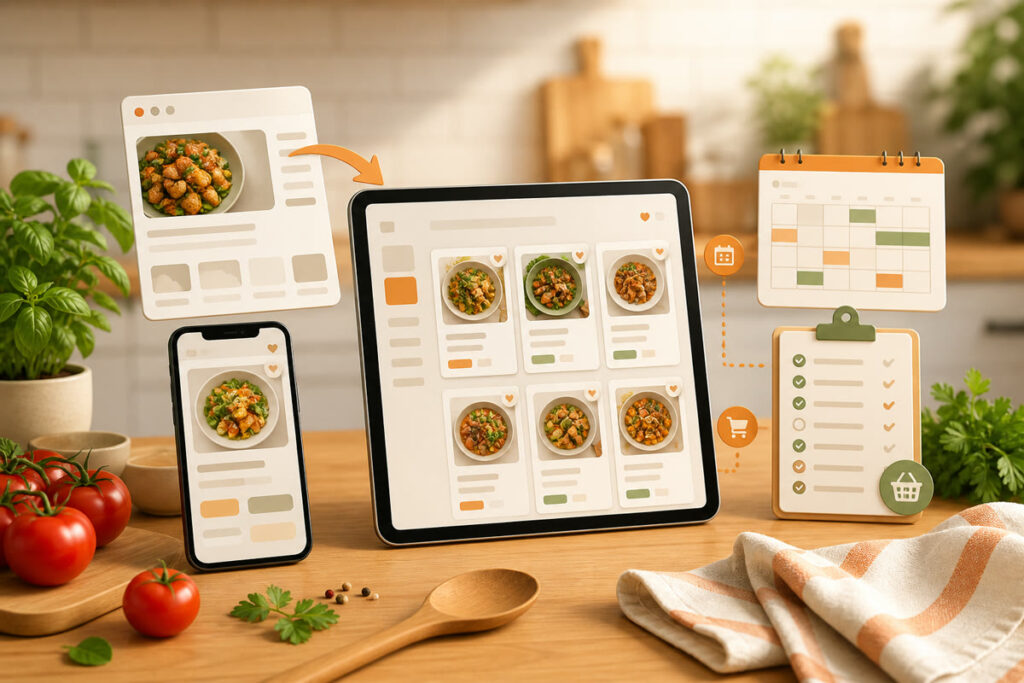
The best recipe organizer app depends on where your recipes come from and what you want to do after saving them. Receply is the strongest simple choice for importing web recipes and moving them into a meal plan and shopping list. Paprika is better for power users who want deep desktop support, Recipe Keeper stands out for scanning paper recipes, Samsung Food is strongest for discovery and nutrition tools, and AnyList is the best grocery-list-first option.
This roundup compares five current apps by import options, organization, meal planning, grocery workflow, platform coverage, and cost model. Features and availability were checked against each developer’s official pages and current store listings on August 14, 2026.
Best recipe organizer apps at a glance
| App | Best for | Recipe input | Verified platforms | Important limitation |
|---|---|---|---|---|
| Receply | Simple recipe-to-meal-plan workflow | Websites, manual entry, TikTok | iPhone, iPad, Android | Optional purchases; not the deepest desktop system |
| Paprika | Power users and desktop access | Built-in web browser, manual entry, file import | iOS, Android, Mac, Windows | Each platform version is sold separately |
| Recipe Keeper | Paper, PDF, and handwritten recipes | Websites, social sources, camera, photos, PDFs | iPhone, iPad, Android, Mac, Windows | More tools than a minimal recipe saver may need |
| Samsung Food | Discovery, community, and nutrition | Web links, browser extension, manual recipes | iOS, Android, web | Some advanced features require Food+ |
| AnyList | Shared grocery lists | Websites, blogs, email, manual entry | iOS, Android, Mac, web/PC | Web import and meal planning are Complete features |
How to choose the right recipe organizer
Start with your hardest input. If most recipes are browser bookmarks, prioritize clean web import. If family recipes live on paper, choose camera scanning and OCR. If the real problem is coordinating groceries, choose a shared list first. A large feature list matters less than a workflow you will actually repeat.
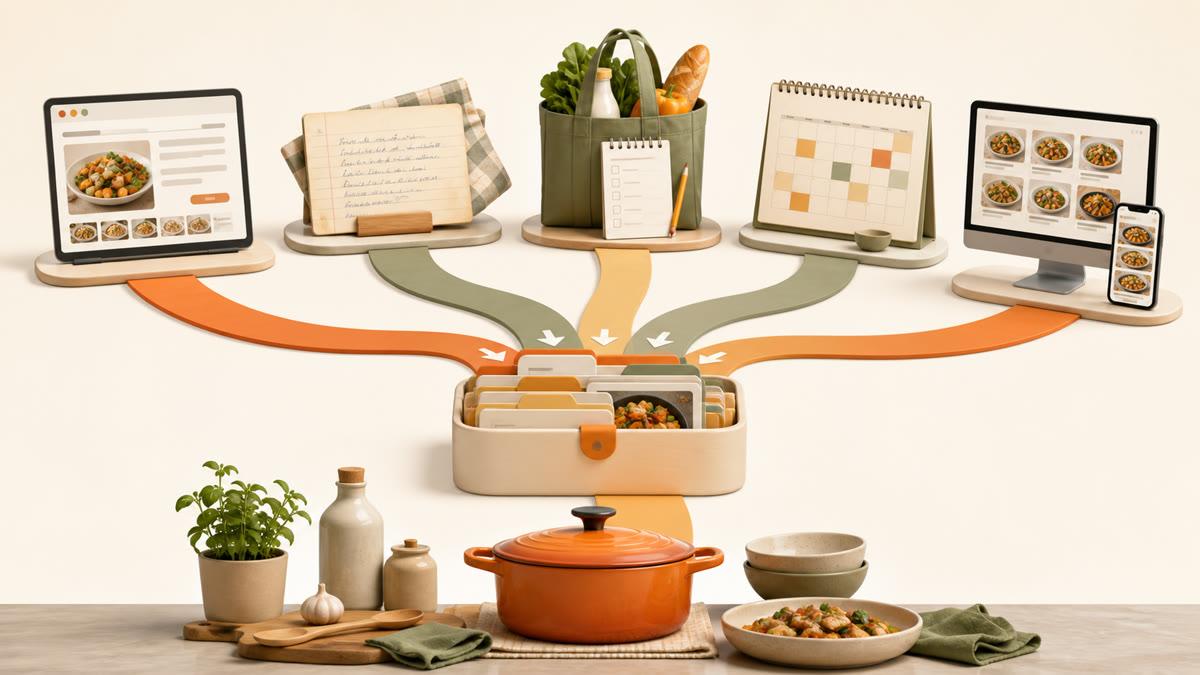
- Choose Receply for a focused mobile workflow from web import to calendar and shopping list.
- Choose Paprika if you want a mature recipe database across phones and desktop computers.
- Choose Recipe Keeper if books, handwritten cards, PDFs, or photos are part of your collection.
- Choose Samsung Food if discovery, community, and nutrition tools matter as much as private organization.
- Choose AnyList if the shared grocery list is the center of your household workflow.
1. Receply: best simple recipe-to-shopping-list workflow
Receply keeps the core steps close together: import or create a recipe, organize it with categories, place it on a day, and turn planned ingredients into a shopping list. Its current listings cover iPhone, iPad, and Android.
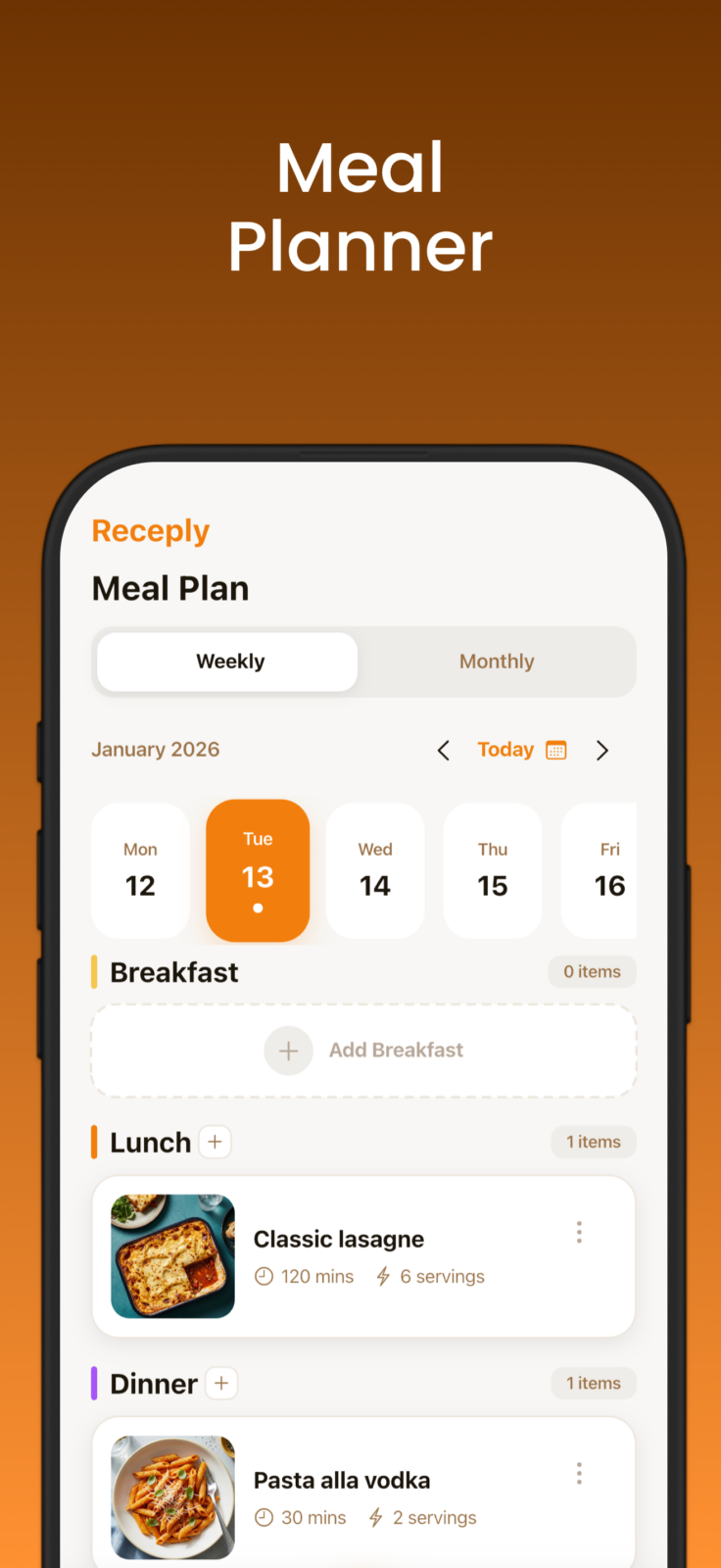
The current App Store listing says Receply supports website import, manual recipes, meal planning by day, week, or month, generated shopping lists, categories, reminders, nutrition information, and recipe sharing by URL or PDF. It also records TikTok import in the version history. That makes it a practical choice when recipes are scattered across websites and social links but you do not need a heavyweight desktop cookbook database.
Zappira makes Receply, so this article evaluates it with the same criteria as every other app. Its advantage is simplicity and mobile coverage. Its limitation is that users who need Windows or Mac-native recipe management, deep pantry tools, or an established desktop workflow may prefer Paprika or Recipe Keeper. Receply is free to download with optional in-app purchases; store prices can vary by platform and region.
Try Receply if you want one place to save recipes, plan meals, and prepare the next grocery run.
2. Paprika: best for power users and desktop support
Paprika Recipe Manager combines a recipe library, built-in web browser, meal planner, pantry, menus, and grocery lists. Its smart grocery list can group items by aisle and combine compatible quantities. During cooking, it can scale ingredients, detect timers, keep the screen awake, and let you cross off ingredients or highlight directions.
Paprika is available for iOS, Android, Mac, and Windows, and Paprika Cloud Sync can keep recipes, lists, and plans aligned. The tradeoff is important: the developer states that each platform version is sold separately. It is a better fit for someone building a long-term personal cookbook than for someone who only wants to save an occasional link.
Choose it if: you value a mature desktop-and-mobile system, pantry tracking, detailed cooking tools, and reusable menus.
3. Recipe Keeper: best for scanning family recipes
Recipe Keeper handles more than web links. Its official feature page says it can import from websites, Instagram, and TikTok, while camera scanning and OCR can convert cookbook pages, magazine recipes, handwritten cards, photos, and PDFs into editable text.
It also includes weekly and monthly meal planning, aisle-grouped shopping lists, serving-size adjustment, recipe search, offline access, family sharing, and printable PDF cookbook creation. Verified platforms include iPhone, iPad, Android, Windows, and Mac.
The breadth is the benefit and the drawback. Recipe Keeper is compelling for a mixed digital-and-paper archive, but a person who only imports web recipes may find its cookbook, sharing, and scanning tools more extensive than necessary.
4. Samsung Food: best for discovery and nutrition tools
Samsung Food combines recipe saving with a public discovery layer. It can save recipes from websites through mobile sharing, a pasted link, or a browser extension, then organize them into collections. Weekly planning, shareable shopping lists, recipe communities, and nutrition tools sit in the same service.
The app is available on iOS, Android, and the web. A free tier covers core recipe saving and planning, while Samsung Food+ adds premium features such as tailored plans and more advanced nutrition tools. That structure is useful if you want inspiration and health context, but it may feel broader and more account-centered than a private, minimal recipe box.
Choose it if: you want to discover recipes, collaborate, plan meals, and inspect nutrition in one connected service.
5. AnyList: best for shared grocery lists
AnyList starts with a fast shared shopping list: live list updates, automatic category grouping, item notes, and voice entry. Its recipe tools can collect recipes from email, websites, and blogs, add ingredients to a list, and place meals on a weekly or monthly calendar.
AnyList is available on iOS and Android, with Mac and web/PC access in its broader ecosystem. The key limitation is the paywall placement: the developer lists recipe web import and meal planning among AnyList Complete features. If your household already coordinates around a shared grocery list, that premium model may be worthwhile; if recipe import is the main job, compare it carefully with Receply, Paprika, or Recipe Keeper.
Which recipe organizer is best for you?
For the shortest path from a web recipe to a mobile meal plan and shopping list, choose Receply. For deep desktop management, choose Paprika. For preserving paper recipes, choose Recipe Keeper. For discovery and nutrition, choose Samsung Food. For household grocery coordination, choose AnyList.
Before committing, import three representative recipes: one well-structured website recipe, one awkward page, and one source you use often. Check ingredient parsing, instruction order, photos, servings, and the grocery list. The best app is the one that handles your real sources with the least cleanup.
Frequently asked questions
Can recipe organizer apps import from any website?
Many apps claim broad web support, but no importer is guaranteed to parse every page perfectly. Recipe sites use different markup, paywalls, pop-ups, and layouts. Always check ingredients, quantities, servings, and directions after importing.
Which app is best for handwritten recipes?
Recipe Keeper is the clearest match in this group because its official feature list specifically covers camera scanning, photos, PDFs, and OCR for handwritten or printed recipes. OCR still needs proofreading, especially with cursive handwriting or stained cards.
Which recipe app is best for a family grocery list?
AnyList is the grocery-list-first choice because real-time sharing and store-oriented organization are central to the product. Recipe Keeper and Samsung Food also support shared shopping workflows, while Receply and Paprika are stronger when your recipe library is the starting point.
Are these recipe organizer apps free?
The models differ. Receply is free to download with optional purchases. Samsung Food offers core free features plus Food+. AnyList reserves some recipe and planning tools for Complete. Paprika sells platform versions separately, and Recipe Keeper offers a free starting path with upgrades. Check the current store page in your country before deciding because prices and packages can change.