
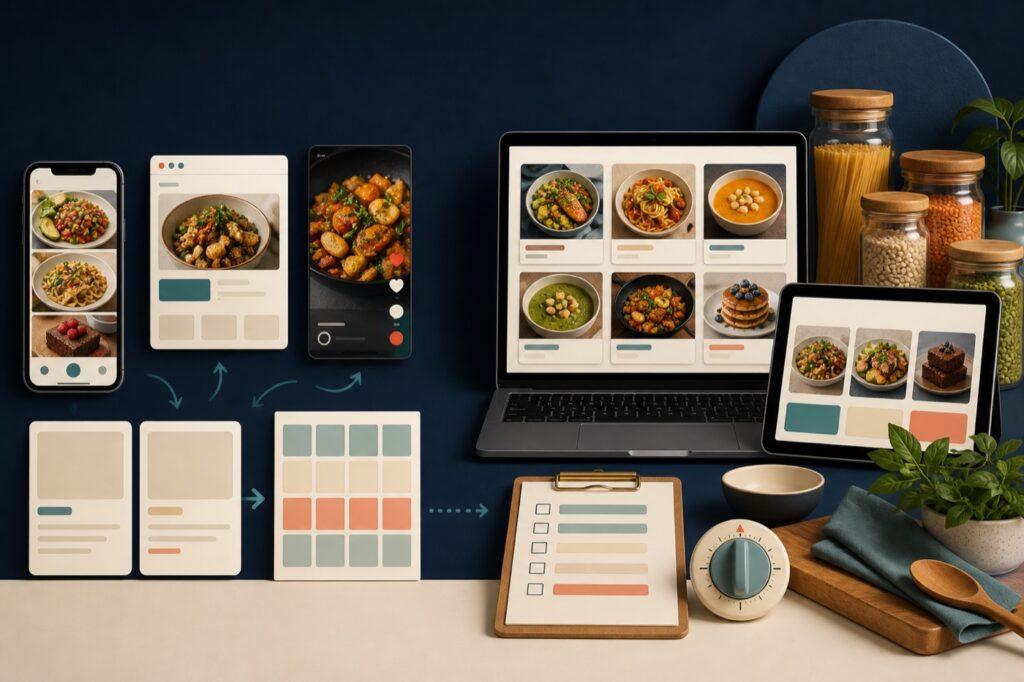
Choose Receply if most of your recipes begin on websites or short cooking videos and you want a simple mobile path from saving a recipe to planning meals and building a grocery list. Choose Paprika if you want deeper pantry, cooking, grocery, and desktop tools. Both can organize recipes and plan meals, but they solve the surrounding workflow differently.
This Receply vs Paprika comparison uses current official product pages and store listings. It focuses on practical differences that affect everyday use: where recipes come from, how you plan meals, what happens in the kitchen, and which devices you need.
Receply vs Paprika at a glance
| Decision factor | Receply | Paprika |
|---|---|---|
| Best fit | Mobile-first recipe capture, meal planning, and shopping | Deep recipe, pantry, cooking, and desktop organization |
| Website import | Yes | Yes, through a built-in browser |
| Short-video import | TikTok import is listed in current version history | Not listed as a current core feature in the official sources reviewed |
| Meal planning | Daily, weekly, and monthly calendar | Daily, weekly, and monthly calendar plus reusable menus |
| Grocery workflow | Build a list from planned recipes and filter items | Combine ingredients, sort by aisle, and manage multiple lists |
| Kitchen tools | Recipe instructions, servings controls, and nutrition statistics | Pantry, timers, ingredient scaling/conversion, and cooking aids |
| Platforms currently listed | iPhone, iPad, and Android | iPhone, iPad, Apple Watch, Android, Mac, and Windows |
| Purchase detail | Check the current official store listing | Each platform is sold separately; Android has a limited trial before upgrade |
Short verdict: Receply has the cleaner fit for a phone-centered workflow and recipes discovered in newer formats. Paprika has the broader toolset for cooks who want pantry management, desktop access, and more control during shopping and cooking.
The biggest difference is what happens around the recipe
A recipe organizer is useful only if it reduces friction from discovery to dinner. The important question is not simply whether an app can store ingredients and directions. It is where you usually find recipes, which device you use to plan, and how much help you want while shopping and cooking.
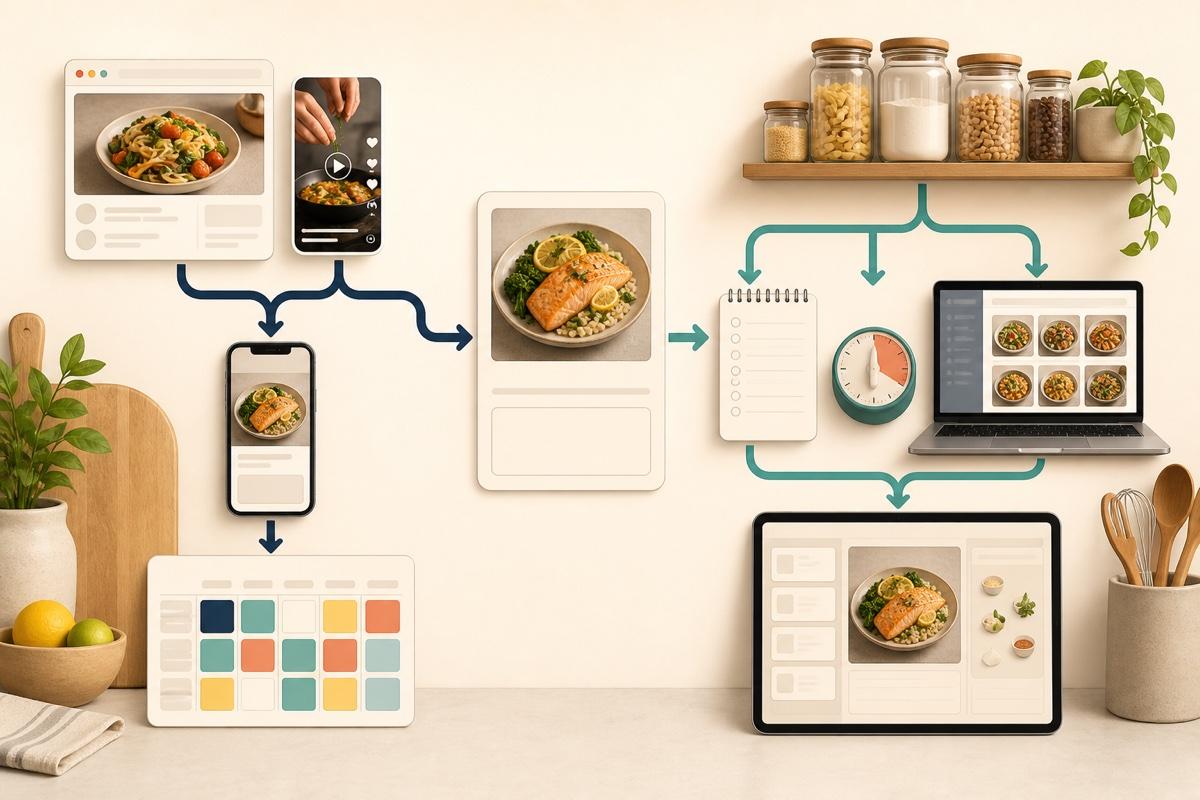
Receply keeps the flow compact: capture a recipe, organize it, place it on the calendar, and add what you need to the grocery list. Paprika extends further into the kitchen with a pantry, grocery-list consolidation, timers, ingredient scaling, reusable menus, and cooking-focused controls.
Recipe importing: Receply is better for short-form discovery
Both apps can save recipes from websites. Receply supports website and manual import, while its current Apple version history also lists TikTok importing and link-based recipe sharing. That matters if recipe inspiration regularly starts on your phone rather than in a desktop browser.
Paprika’s official site describes a built-in browser that downloads recipes from the web. This is a proven approach for traditional recipe pages, and the saved recipe remains available without reopening the original page. However, Paprika’s official feature pages reviewed for this comparison do not present short-video importing as a core capability.
Choose Receply for importing if TikTok and mobile websites are common sources. Choose Paprika if most recipes come from conventional websites and you prefer browsing and saving inside the organizer.
Meal planning: both cover the calendar, Paprika adds reusable menus
Receply provides daily, weekly, and monthly planning. Recipes can be placed into breakfast, lunch, or dinner slots, then moved as plans change. Its calendar is designed to connect the recipes you have saved with the meals you intend to cook.
Paprika also supports daily, weekly, and monthly views. Its extra advantage is reusable menus: groups of meals can be saved and placed into the calendar again. That can be valuable for rotating meal-prep weeks, holiday plans, or a household schedule that repeats.
The difference is depth rather than basic availability. Receply covers the core calendar workflow with less surrounding complexity. Paprika gives habitual planners another layer of reuse.
Grocery lists: Paprika offers more list management
Receply can turn planned recipes into a grocery list, and its current version history notes additional shopping filters. This is the essential connection many people want: decide what to cook, then see what to buy.
Paprika’s official feature guide describes a more configurable grocery system. It combines matching ingredients, sorts items by aisle, supports custom aisles, and can maintain multiple lists. Its pantry can also help distinguish what is already available from what still needs to be purchased.
Receply is sufficient when the goal is a straightforward meal-plan-to-list workflow. Paprika is stronger when grocery organization itself is a major part of the decision.
Cooking tools: Paprika has the advantage
Paprika provides several tools intended for use while cooking. The official feature list includes ingredient scaling and unit conversion, timers detected from directions, the ability to cross off ingredients and highlight the current step, and an option to keep the screen awake.
Receply keeps instructions and ingredients organized, supports servings adjustments, and its current Apple version history lists nutrition statistics. Those features help with choosing and following a recipe, but Paprika’s published toolset goes further for hands-on cooking.
Devices: Paprika is the clear choice for desktop use
Receply’s current official listings cover iPhone, iPad, and Android. That suits people who collect recipes, plan meals, and shop from a phone or tablet. No Mac or Windows app is currently listed in the official Receply sources reviewed for this article.
Paprika offers versions for iOS, Android, Mac, and Windows, with cloud sync across those apps. Its official site also makes an important purchase limitation clear: each platform version is sold separately. The current Android listing describes a 50-recipe limit and no cloud sync before upgrading, so check the listing for the exact current terms in your region.
Sharing and moving recipes
Receply’s current Apple version history lists recipe sharing through a URL or PDF. Its Google Play description also says recipes can be uploaded or imported from several existing sources, including Paprika, which may reduce setup work for someone testing a different workflow.
Paprika supports sharing, printing, and exporting data, with some destinations depending on the platform. Before moving a large library in either direction, test a few representative recipes. Check ingredient groups, notes, images, categories, and formatting rather than assuming every field will map perfectly.
Which app should you choose?
Choose Receply if:
- You discover recipes on TikTok and recipe websites.
- You want recipe saving, meal planning, and groceries in a focused mobile workflow.
- You plan primarily on iPhone, iPad, or Android.
- Nutrition statistics and URL or PDF sharing are useful to you.
- You prefer a simpler toolset over pantry and desktop features.
Choose Paprika if:
- You need Mac or Windows access in addition to mobile apps.
- You want pantry tracking and detailed grocery-list organization.
- You use timers, scaling, conversion, and step tracking while cooking.
- You reuse complete menus or repeat meal-plan structures.
- You are comfortable purchasing platform versions separately.
If neither profile is an obvious match, our recipe organizer app roundup compares additional workflows and may help narrow the field.
A practical way to decide before moving your library
- Import three different recipes: one clean website recipe, one messy page, and one source you commonly use.
- Plan three meals: move one meal to a different day and confirm the calendar still feels natural.
- Build a grocery list: look for duplicate ingredients, quantities, and items you already own.
- Cook one recipe: check readability, serving changes, timers, and step tracking.
- Test sharing or export: make sure the fields that matter to you survive the trip.
This small test is more useful than comparing the longest feature lists. A recipe organizer becomes valuable through repetition, so the best choice is the one that removes friction from your most common path.
Try Receply on your current device
Receply is developed by Zappira. Review its current official store listing for the latest availability and product details.
Final verdict
Receply wins for a streamlined mobile workflow, especially when recipes begin on websites or short-form video. Paprika wins for desktop availability, pantry management, advanced grocery organization, and in-kitchen controls. Pick Receply to reduce friction between discovery and planning; pick Paprika when depth across planning, shopping, and cooking matters more.