
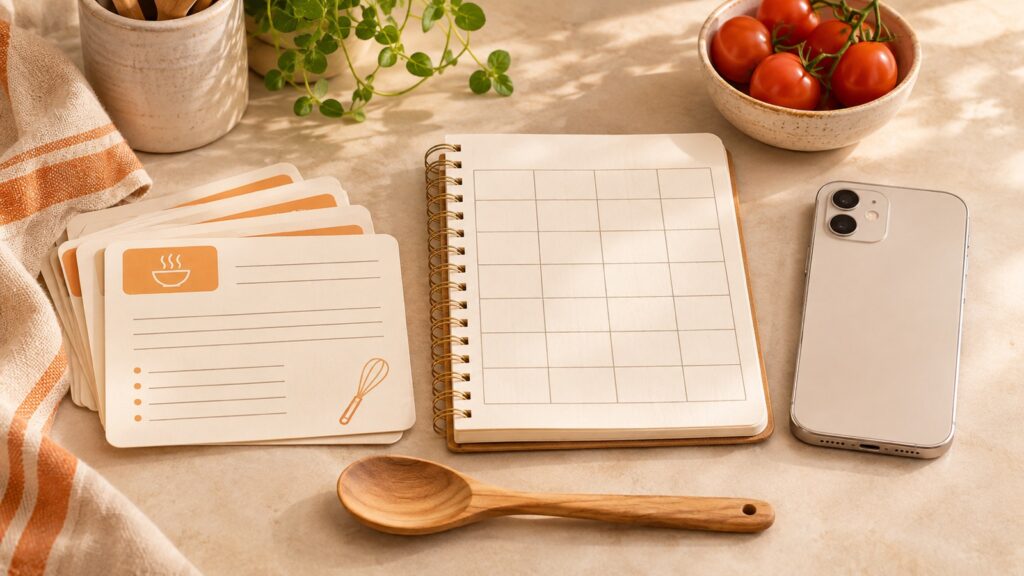
Choose Notion when you want to design and maintain your own recipe database. Choose Receply when you want a dedicated mobile workflow for saving recipes, planning meals and building a shopping list. Neither choice is automatically better: customization is useful only if you want to maintain the structure behind it.
A Notion recipe manager can be a flexible personal cookbook. The important question is what happens after saving a page: can you find the working recipe, schedule the same dish more than once, and prepare the ingredients you actually need? This comparison uses current documented features, not a timed hands-on test or an endorsement of a particular template.
Notion recipe manager vs Receply at a glance
| Decision | Custom Notion | Receply |
|---|---|---|
| Best fit | Custom fields and linked records you control | Dedicated mobile recipe → meal plan → list |
| Saving a web source | Clip pages to your chosen database | Website import or manual entry |
| Organization | You design fields and pages | Photos, categories, ingredients and steps |
| Planning dates | Date-based calendar; you model repeat meals | Daily, weekly and monthly meal calendar |
| Shopping | Manual list or chosen template’s tools | Lists generated from planned meals |
| Main limitation | Clipping alone does not establish recipe parsing or list automation | Custom databases, pantry detection and full-library migration unverified |
The Notion column describes a proposed custom setup using documented database tools—not every marketplace template. Templates may add features; inspect the one you intend to use rather than assuming its recipe import, formulas or shopping list behave like another template’s.
Notion: choose it when the structure is part of the value
Notion is a reasonable fit if you want recipe records alongside your own cooking notes, experiments or other linked information. You decide what a record contains and how it is organized. That flexibility is the attraction, not a reason to build a complicated system before cooking dinner.
The official Web Clipper guide documents saving web pages into a chosen workspace and page or database. On iOS and Android, clipping uses the native share sheet. A web page clipped into a database receives a source URL property, but formatting can vary by website. Inspect the saved ingredients and method; clipping is not a guarantee of recipe-specific parsing.
Separate the recipe itself from each occasion you intend to cook it. The concept below illustrates that proposed relationship using physical cards. It is not a Notion screenshot or a claim that a blank database creates a meal plan for you.
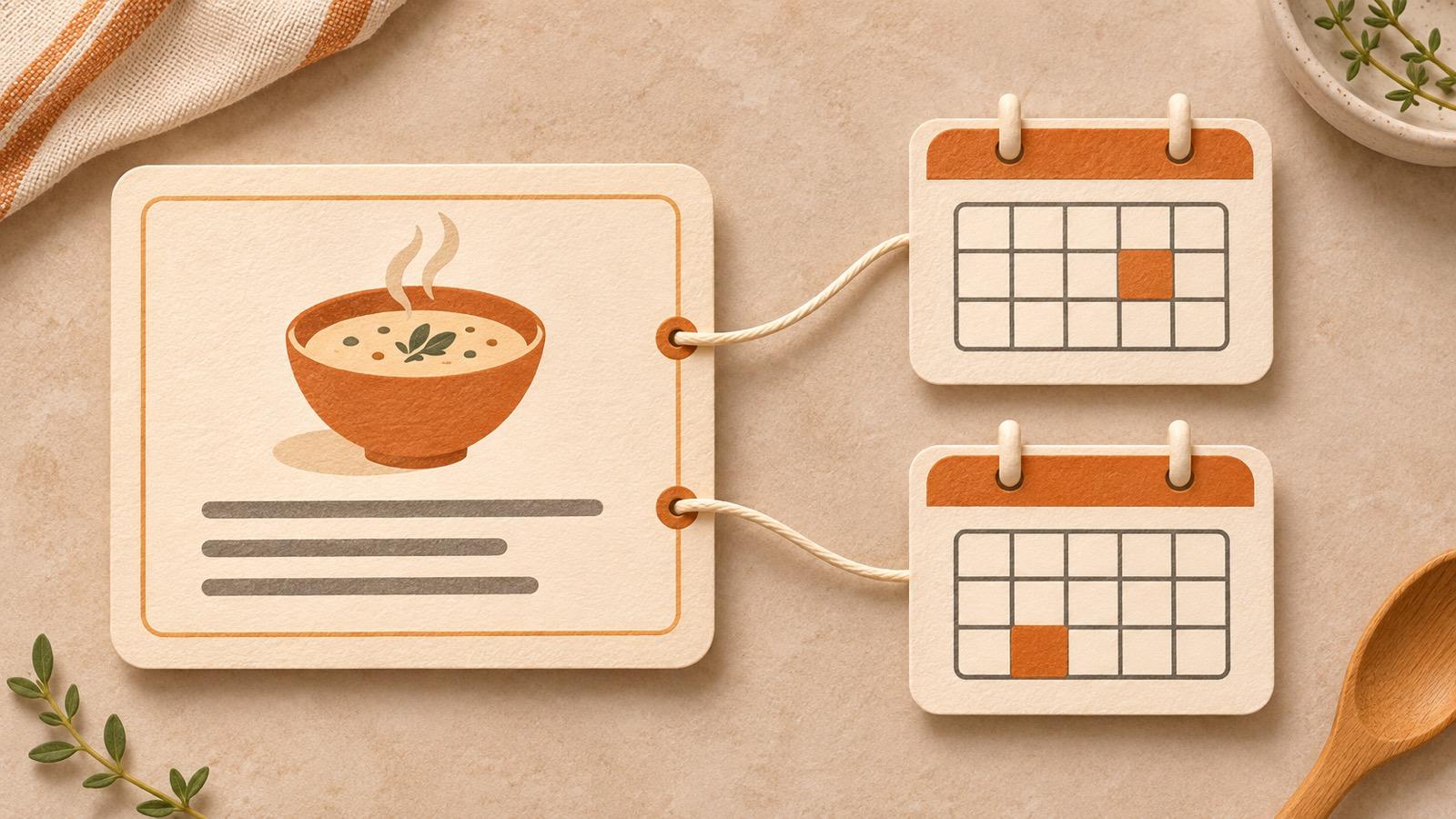
A useful minimal design is one Recipes database for stable recipe records and a separate Meals database for dated occasions. Notion’s relations documentation explains how records in different databases can be linked. Here, each meal would point to the recipe it uses. This is an editorial design suggestion, not a ready-made template we have built or tested.
Keep the first version modest: a recipe name, source URL and working instructions; then a meal date and a relation to the recipe. Add custom fields only when you have a real question they answer. A grocery checklist can stay manual until you have verified how a selected template handles ingredients, units and changed plans.
Choose Notion if you want that control and are willing to maintain it. Do not assume that relating two records automatically combines ingredient quantities. A recipe text block, a calendar card and a calculated shopping list are different pieces of a system.
Receply: choose a dedicated mobile recipe-to-plan workflow
Receply is Zappira’s recipe organizer and meal planner; Zappira also publishes this comparison. Its current official iOS and Android materials document website import or manual entry, recipe photos and categories, a daily/weekly/monthly meal calendar, and shopping lists generated from planned meals.
That is a useful starting point if the job is to collect the recipes you already use and connect them to the next meals and grocery run. You are choosing an existing recipe workflow rather than deciding how to connect databases. The product illustration shows the real collection screen and official icon, with generated kitchen styling.
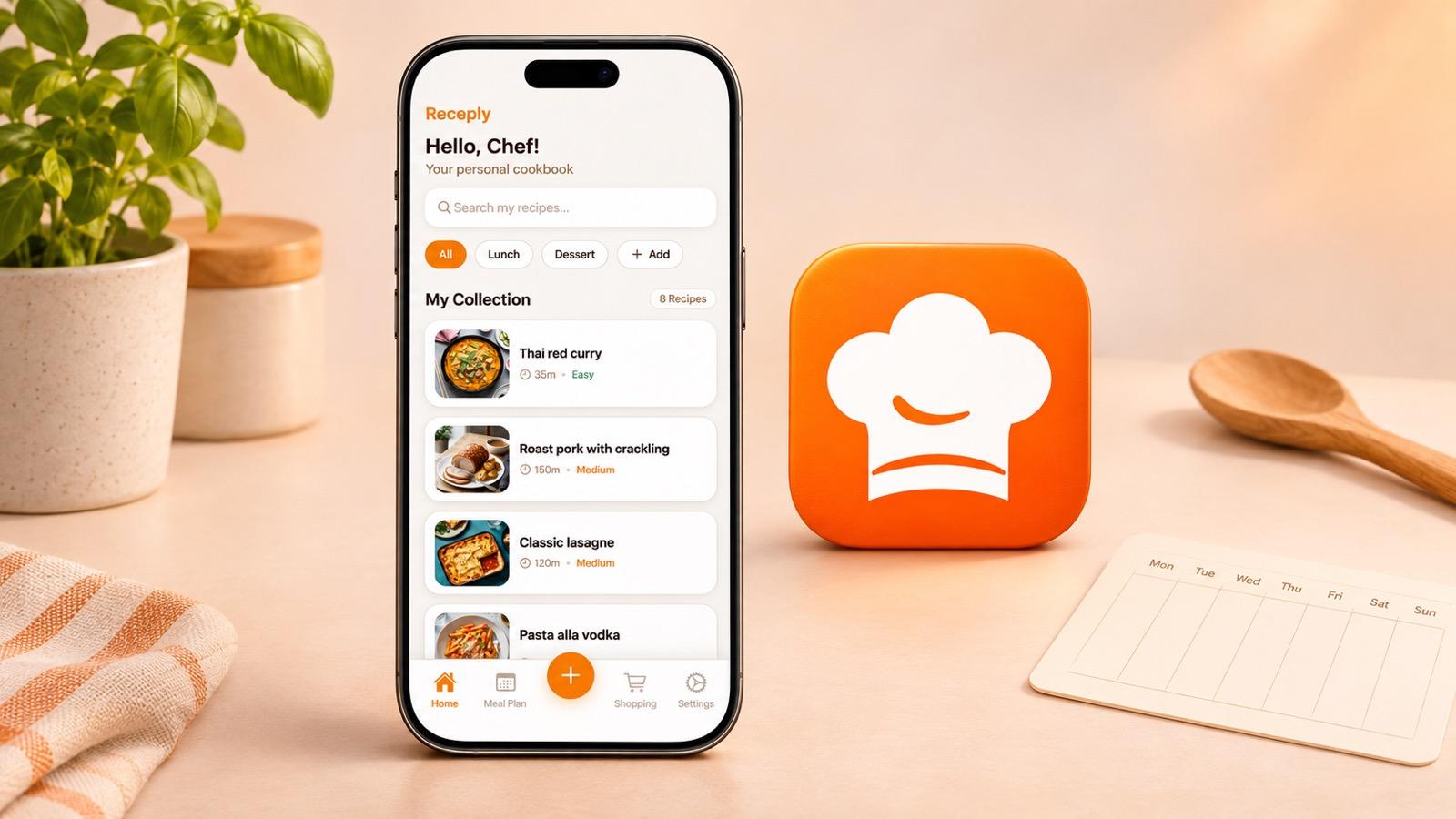
After importing or entering a recipe, proofread it, place it in your plan, and review the generated ingredients before shopping. The planner and list are documented features, but you still need to check quantities, pantry supplies and any changes to dinner. Our saved-recipes meal-planning guide covers that routine in more detail.
Know the limits: this comparison does not verify Receply as a general relational database, a desktop workspace, an automatic pantry inventory or a one-click Notion importer. Do not move a whole collection on the assumption that a Notion export will transfer directly. If those are essential requirements, confirm them before switching.
If a dedicated mobile recipe, calendar and shopping-list workflow fits, check Receply’s current official listing for your device:
The practical difference: one recipe, two dinners
Suppose “Lentil soup” is one saved recipe, and you want to cook it on Monday and Thursday. In a custom database, assigning one date directly to the recipe and then replacing Monday with Thursday loses the first scheduled occasion. A separate meal record for each dinner avoids that problem.
| Record | What belongs there | Example |
|---|---|---|
| Recipe | Working ingredients, method and source | Lentil soup |
| Meal occasion 1 | Cook-on date and recipe link | Monday → Lentil soup |
| Meal occasion 2 | Another cook-on date and the same recipe link | Thursday → Lentil soup |
Notion’s calendar-view documentation says the database needs a Date property and explains moving cards between dates. In the proposed model, the meal occasion carries that date. Keep “saved on” separate from “cook on”: when a page entered your library is not necessarily when dinner happens. This is about a database calendar view, not a claim that the separate Notion Calendar app provides recipe features.
In either tool, make the repeat-meal check before relying on the plan: can you see both occasions, change one without losing the other, and identify which ingredients the shopping list now represents? Treat this as a check for your own setup, not a claim that we tested identical behavior in both products.
Choose by what you want to maintain
- Keep Notion if custom fields and linked cooking records solve an actual need, and you are comfortable maintaining the model or chosen template. Start with separate recipe and meal records rather than adding formulas by default.
- Try Receply if you want documented mobile recipe capture, meal planning and generated shopping lists without designing a custom database. Verify your real sources and device workflow first.
- Keep a simple note if you only need a few links and do not need scheduled meals or recipe-linked shopping. A larger system is not automatically an improvement.
If you decide to leave Notion, its export guide documents CSV for full-page databases and Markdown files for their subpages. That gives you files to inspect; it is not proof of a compatible Receply import. Keep your original collection until you have a usable destination.
For other dedicated tools, our recipe-organizer comparison covers different priorities. For this decision, the dividing line is simpler: build in Notion when the custom structure matters; use Receply when its existing mobile cooking workflow is the job you want done.