

The most useful Mealime alternatives replace different parts of the routine. Start with Meals Hub if you want the official route to Mealime’s recipe catalogue. Try Receply if you want to rebuild a personal recipe collection, meal calendar and shopping list on your phone. Choose Paprika if cooking tools and a cookbook you can export matter most.
Mealime’s official closing notice names October 21, 2026 as its discontinuation date. This roundup is written after that date: it does not ask you to complete an expired “save everything before shutdown” checklist, and it does not promise that installing another app restores your old account.
Mealime alternatives at a glance
| Option | What it can replace | Important tradeoff |
|---|---|---|
| Meals Hub in Albertsons Companies apps | The official route to the original recipe catalogue, with planning and shopping tools | A store-app/web experience; establish preferences again rather than assume account transfer |
| Receply | A personal mobile recipe → calendar → shopping-list routine | You supply or import available recipes; no direct Mealime migration verified |
| Paprika Recipe Manager | A personal cookbook with meal plans, cooking controls and documented export | You build the collection; platform versions are sold separately |
We selected three different replacement jobs, not three apps with the longest feature lists. The comparison uses current official descriptions and documentation, not a hands-on speed test or an exhaustive ranking. All three routes have verified iOS and Android availability; Paprika also documents desktop versions.
1. Meals Hub: start with the official recipe-catalogue route
Mealime’s closing notice directs users to Meals Hub in Albertsons Companies grocery apps and websites, and says its recipe catalogue continues there. That makes it the first place to check when your main concern is finding a familiar Mealime dish—not building a new collection from unrelated websites.
The current Safeway iOS listing and Android listing describe recipe discovery, weekly meal planning and ingredients carried into a grocery list. The illustration below represents that catalogue-to-shopping workflow; it is not a screenshot of Meals Hub.
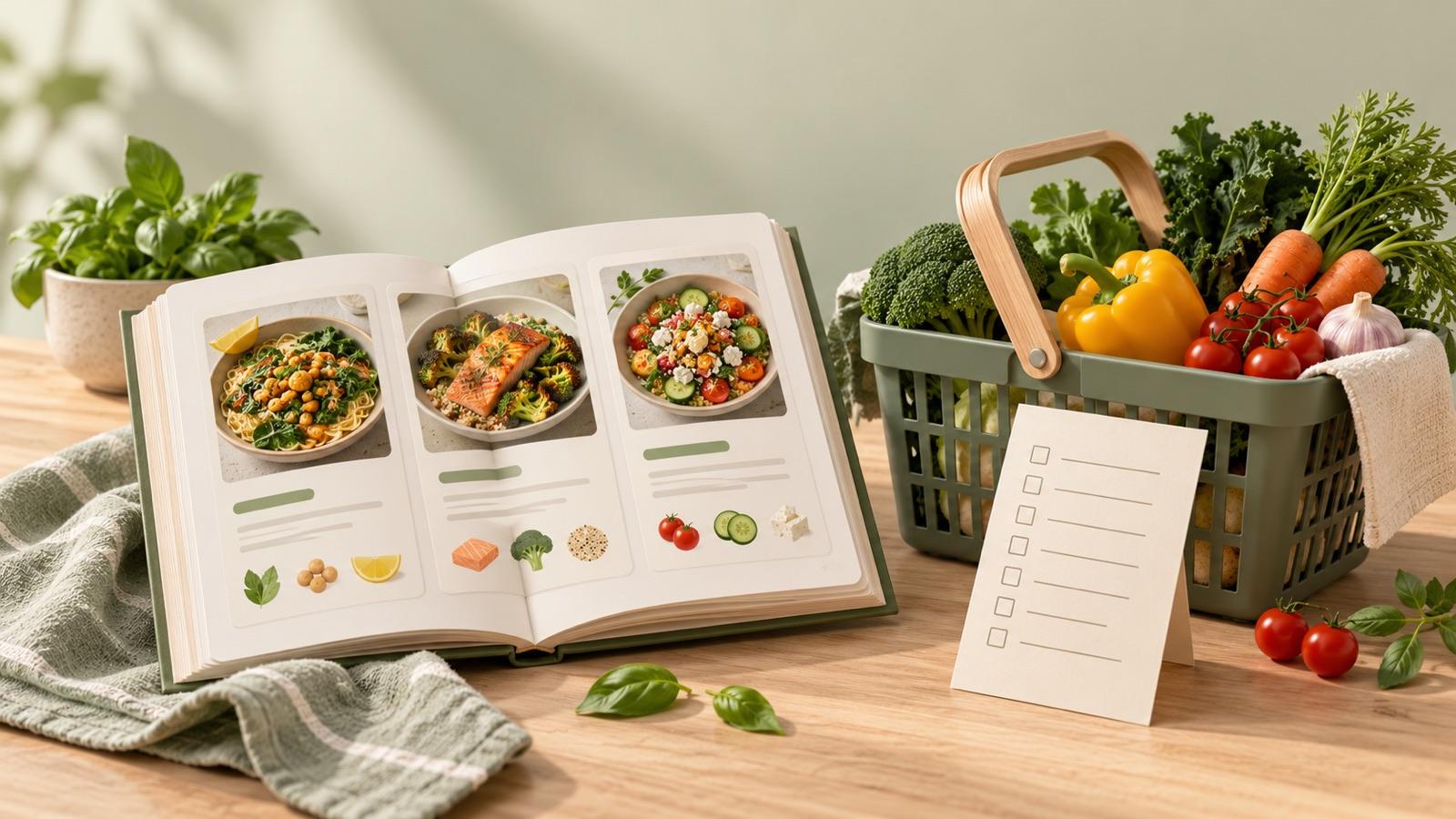
The official guide gives More → Meals Hub inside a participating store app. Set preferences there after signing in. Its browsing, planning and list tools do not require a nearby Albertsons Companies store.
The tradeoff is the surrounding grocery-app experience. Check the route offered for your account and region. This comparison verifies the public guidance and listings, not a completed signed-in setup or a transfer of your saved favorites. Catalogue continuity and personal-account continuity are different questions.
2. Receply: rebuild a personal recipe-to-plan routine
Receply is Zappira’s recipe organizer and meal planner; Zappira publishes this roundup. Its current official listings document website import or manual recipe entry, photos and categories, a daily/weekly/monthly calendar, and shopping lists generated from planned meals.
It fits the reader who wants to choose their own recipes and keep the collection, cooking plan and list together on mobile. That might mean a few family recipes you already have, plus accessible recipes from websites. The product illustration uses Receply’s real collection screen and official icon.
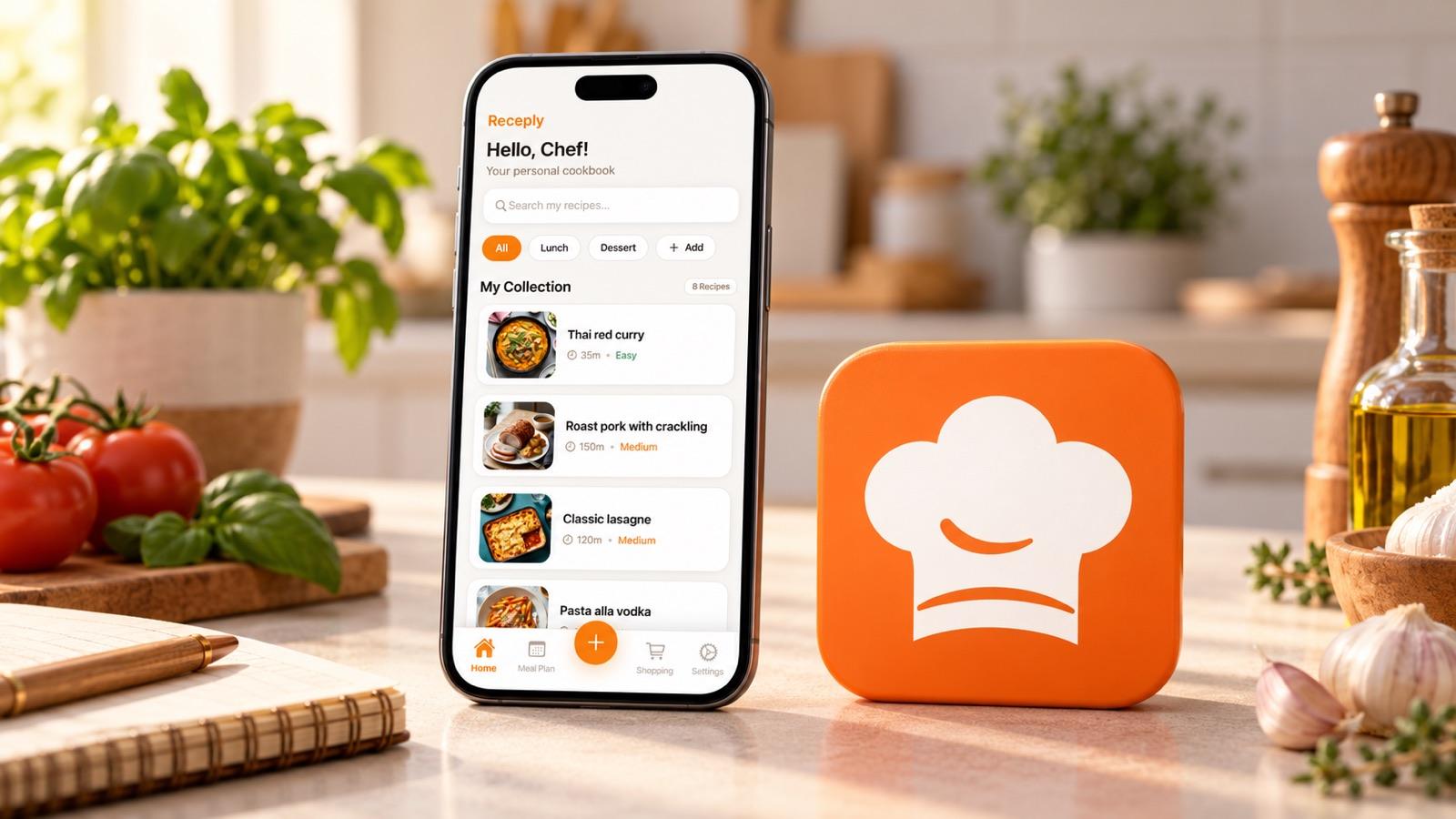
Start with recipes whose complete instructions you can still open or already hold. Import an accessible web recipe or enter your own copy, compare the saved ingredients and method with the source, then use it in your next plan. This is a suggested rebuild workflow, not a claim that we recovered a Mealime library.
The limitation: Receply is not presented here as a replacement for Mealime’s entire catalogue or as an automatic menu generator. A direct Mealime-account importer, recovery of deleted data, complete-library export and live household sharing were not verified in the sources checked. Choose it for the documented personal workflow, not for those assumptions.
If that personal mobile workflow suits you, review Receply’s current official listing for your device:
3. Paprika: prioritize cooking tools and a portable cookbook
Paprika’s official site describes web recipe importing, meal plans, reusable menus, grocery lists, ingredient scaling and cooking timers. It documents iOS, Android, Mac and Windows versions, with cloud synchronization across supported devices. This is the more relevant direction when the recipe needs to remain useful while you cook, not only while you plan dinner.
Portability is a concrete distinction. The current Paprika 3 Android guide documents HTML and .paprikarecipes export. The neutral visual represents a cookbook and a separate copy; it does not redraw Paprika’s interface.
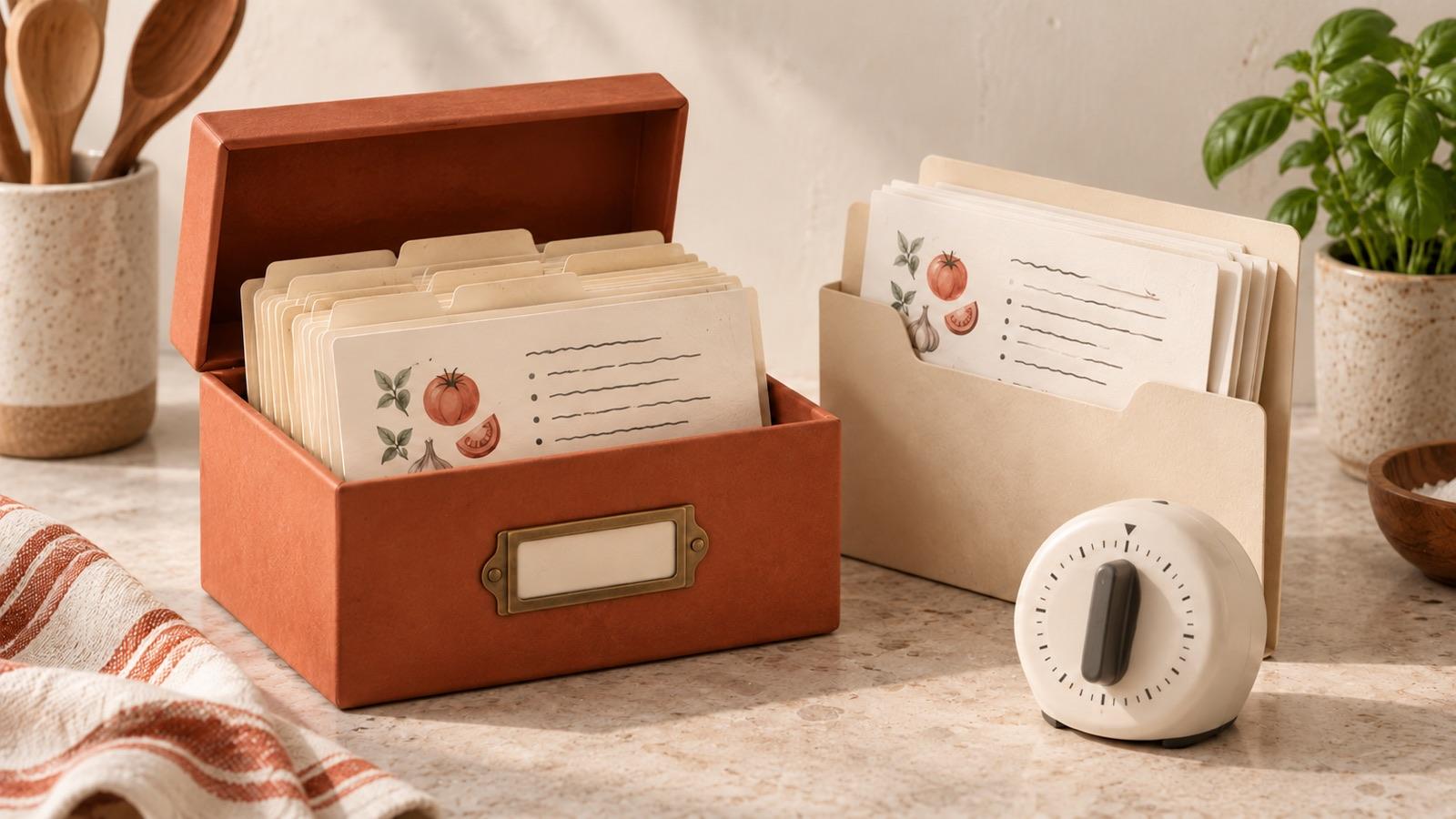
For that documented Android version, open Settings → Export Recipes, choose a category and format, then export. The guide says the result is written to Downloads. Open the result and check that it contains what you expected; possessing an export file is not proof that every other app can import it.
The tradeoff: you still build or import the recipes you can access, and Paprika’s site says each platform version is sold separately. Check the current version and offer for your devices. Its export tools preserve a collection inside Paprika; they do not, by themselves, recover a former Mealime account.
Before rebuilding, classify what you still have
Mealime’s notice says personal data would be deleted when its application shut down. Do not assume a new app can retrieve it. Separate what you actually possess from what you remember, and use the table below as a source check—not a recovery guarantee.
| What you still have | Practical next action | What not to assume |
|---|---|---|
| Only a recipe name or an old favorite label | Look for the complete recipe through the official catalogue route or another identifiable source | A remembered title includes the original quantities and method |
| An accessible public recipe URL | Use the new app’s documented web-import route, then compare the saved result with the live source | Every website or expired Mealime link will import correctly |
| A complete personal copy already saved elsewhere | Use manual entry where documented and retain that source while proofreading | A new app automatically has access to old account data or local files |
Do not enter passwords into a third-party “migration” page simply because it claims to retrieve a lost collection. This roundup does not verify any direct Mealime-account import into these apps. If an ingredient amount or cooking step is missing, find a complete source rather than guessing it from a food photo.
Restart with a small working set, not your whole old routine
- Name the missing job. Is it finding familiar recipes, organizing your own, deciding dinner or preparing the shop? Choose the option that actually documents that job.
- Rebuild a few dependable meals. Record the source for each, then proofread ingredients, servings and the complete method. A working recipe matters more than a large imported count.
- Check the next real shop. Use those meals in a plan, review the list against what you already have and add ordinary household items separately. Do not assume pantry detection.
- Keep a separate source or export where supported. Verify the copy opens. Check the chosen app’s current export and backup arrangements before committing the rest of your collection.
Choose Meals Hub for the official catalogue route, Receply for a personal mobile save–plan–shop loop, or Paprika for a cookbook with cooking tools and documented export. None needs to reproduce every part of your old setup to be useful—but the missing part should be a deliberate choice.
For a broader collection-first decision, see our recipe-organizer roundup. Once you have a few usable recipes again, the saved-recipes meal-planning guide covers turning them into a week you can cook.