

Choose Receply for a personal mobile workflow that turns saved recipes and planned meals into a checkable grocery list. Choose AnyList when the main problem is coordinating shopping with another person. Choose Plan to Eat when you want your meal calendar to drive a list organized around stores and grocery categories.
These three grocery list apps with recipes connect cooking plans to shopping, but they put the emphasis in different places. The useful question is not which has the longest feature list: it is what must happen between choosing dinner and arriving at the checkout.
Recipe-connected grocery apps at a glance
| App | Best fit | Key tradeoff |
|---|---|---|
| Receply | Personal mobile recipe → plan → list | Live shared lists and pantry detection not verified |
| AnyList | Shared household shopping | Web import and meal calendar need Complete |
| Plan to Eat | Calendar-driven lists by store/category | Subscription service; you choose the meals |
All three have accessible official iOS and Android listings. This is a comparison of documented features checked on October 9, 2026, not a hands-on speed test or an exhaustive ranking. We selected apps that can use your own recipes, connect ingredients to a shopping list, and offer a distinct shopping workflow. See each developer’s current terms for feature access and availability.
1. Receply: a focused personal recipe-to-list workflow
Receply brings a recipe collection, meal calendar and shopping list together on mobile. Zappira makes Receply and publishes this roundup. Its official listings describe website imports or manual recipe entry, daily/weekly/monthly meal planning, grocery lists generated from planned meals, and checking items off while shopping.
That combination fits a cook who already knows which recipes they want to make and wants the ingredients carried into a usable list. Start with a few dinners rather than importing your entire collection. Add everyday supplies separately and review the generated ingredients before leaving home.
The product illustration below uses Receply’s real shopping screen and official icon. It shows the checkable list and add-item controls, not a promise that the app knows what is in your pantry.
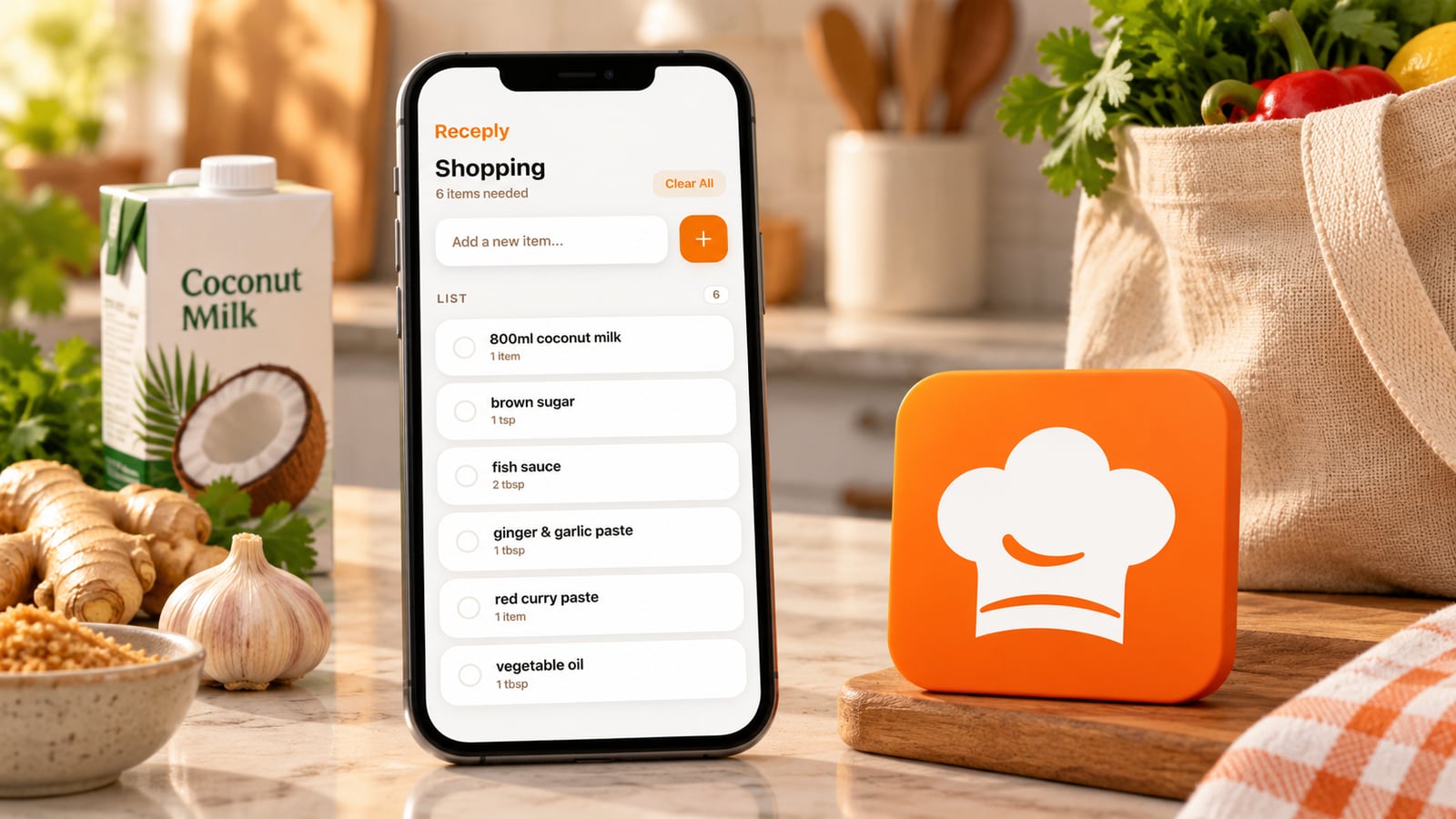
The limitation: a generated list is not an inventory of your kitchen. This review does not verify automatic pantry deduction, automatic merging of every ingredient wording, or a live shared household list in Receply. If those are essential, confirm them rather than treating “shopping list” as shorthand for all three.
If you want the personal save–plan–shop loop, check Receply’s current official listing for your device:
2. AnyList: when more than one person shops
AnyList makes shared shopping central: the developer documents list changes appearing for everyone sharing the list and automatic category grouping. Its recipe tools let you add ingredients to shopping lists. The meal planner can show ingredients for a selected date range so you can add some or all of them.
This is the stronger documented fit when one person chooses recipes and another shops, or both add household supplies during the week. The editorial illustration represents that shared-list handoff; it is not an AnyList interface.
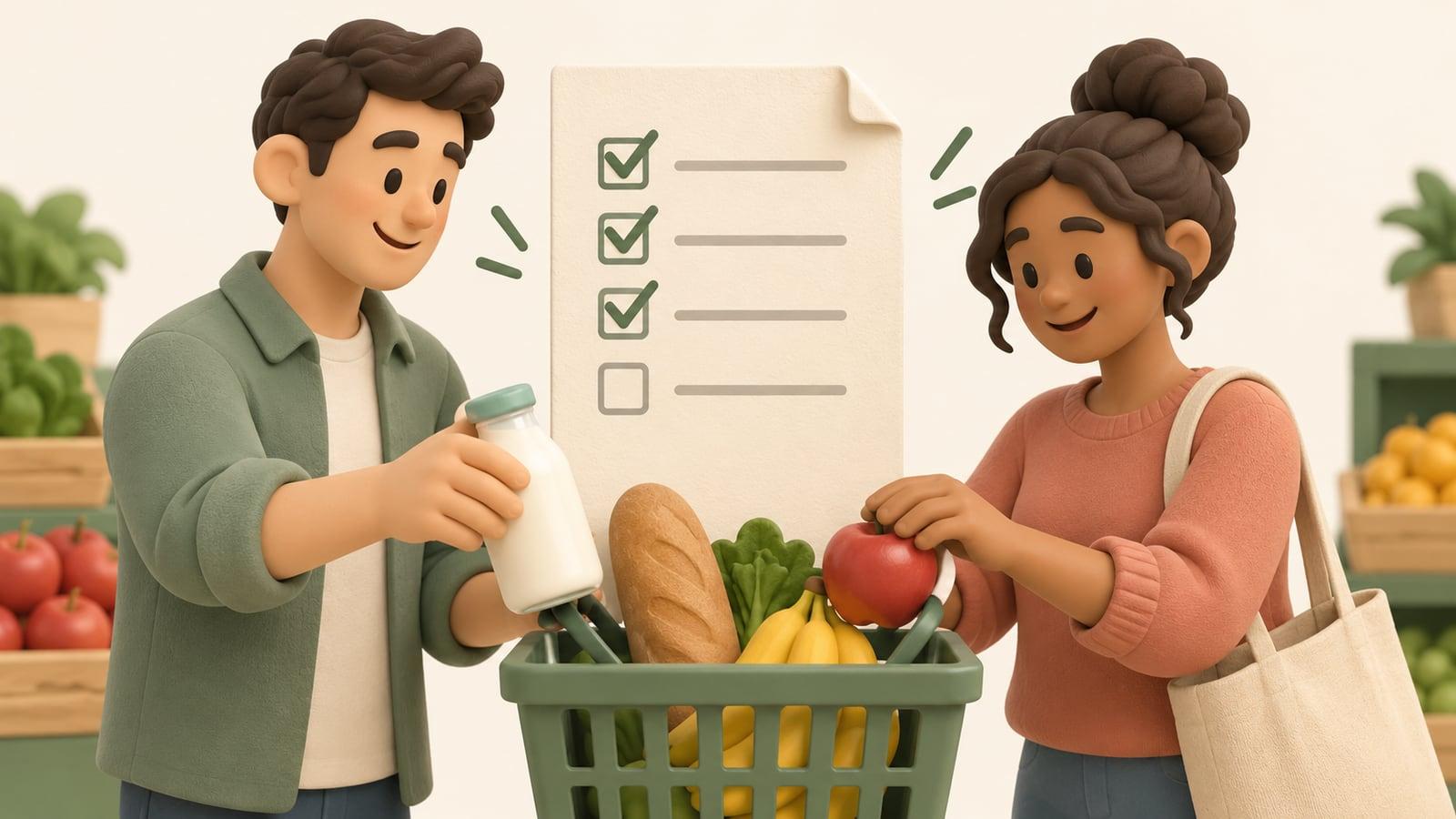
The tradeoff: the developer lists web recipe import and the meal-planning calendar as AnyList Complete features. Do not evaluate its basic list alone if you intend to use the full recipe-to-calendar workflow. Confirm the access level you need and try the sharing setup with the person who will actually use it.
3. Plan to Eat: let the calendar drive the shopping list
Plan to Eat is built around your recipes and scheduled meals. Its developer says that adding recipes to the calendar automatically populates the shopping list. You can add extra household items, organize the list by store and category, and use a Staples List for frequently purchased supplies.
Choose this approach if you like deciding the week first and shopping from that plan. The shopping-list overview describes store and category organization; the illustration below explains the concept without reproducing its interface.
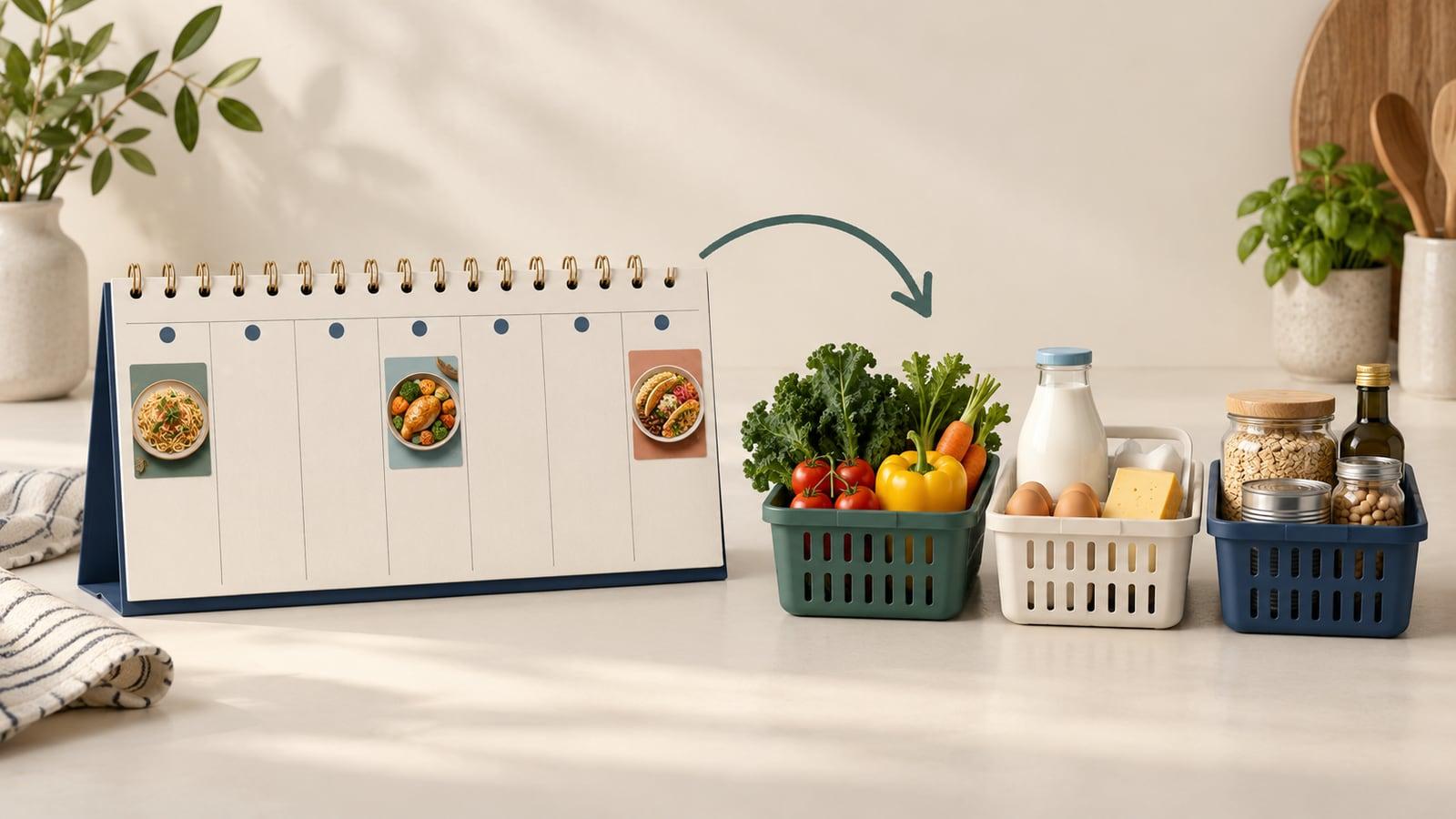
The tradeoff: Plan to Eat is a subscription service, as explained on its current developer site. It does not remove the decision of what to cook: you still choose recipes and place them in the plan. Its planner documentation also describes moving meals and reusing saved plans, which suits an ongoing routine more than an occasional one-recipe shopping trip.
A shopping-list acceptance test before you move your recipes
Try these checks with two recipes you actually cook. This is a suggested evaluation method, not a claim that we ran or timed it in all three apps. It reveals whether a feature works the way your household expects.
- Check ingredient wording and quantities. Use two recipes that share an ingredient. Review whether the resulting list stays clear. “Tomato paste” and “chopped tomatoes” should not become one interchangeable item. If one recipe uses grams and another cups, resolve the quantities rather than guessing.
- Separate recipe quantity from purchase quantity. If your recipes need 800 ml of an ingredient, the shop may sell it in cartons or cans. Check package sizes and what is already at home. A recipe list is not automatically a buy list.
- Change one dinner after building the list. Remove or reschedule it and inspect the shopping result. Find out whether you must regenerate the list or manually adjust it, and make sure ingredients for the replacement meal are present.
- Check the handoff. Add an everyday item, then check one item off. If two people shop, verify that both see the intended changes through the documented sharing workflow. If you shop alone, prioritize a list you can read and edit comfortably in the aisle.
Keep the app that makes these checks straightforward for your routine, not the one that promises the most automation. Before shopping, you still need to review imports and supplies. For the earlier step of choosing meals, see our saved-recipes meal-planning guide.
Which grocery workflow should you choose?
Start with Receply for a personal mobile recipe collection that leads into planned meals and a checkable shopping list. Pick AnyList when a live shared list is the household’s main coordination tool. Pick Plan to Eat when calendar-first planning and store/category organization match how you prepare the weekly shop.
If your main problem is preserving recipes rather than preparing the next shopping trip, use the broader recipe-organizer comparison instead. A simple note may also be enough when you cook a few familiar meals and do not need recipe-linked automation.