
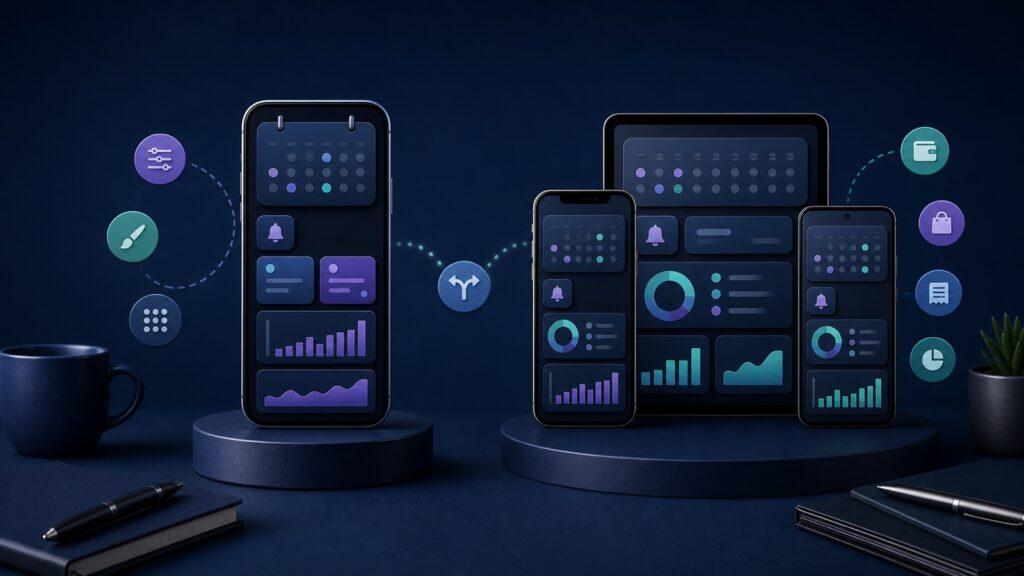
Choose Subpli if you need a manual subscription tracker on iPhone, iPad, or Android, want scheduled reminders at several lead times, or manage costs in more than one currency. Choose Bobby if you use an iPhone and want a focused overview of recurring expenses and upcoming bills.
Both apps depend on the same basic habit: you add each recurring payment and keep its cost and renewal date current. Neither official listing describes automatic bank-transaction discovery as the core workflow. The meaningful differences are platform coverage, reminder controls, reporting, and how much detail you want to maintain.
Subpli vs Bobby at a glance
| Decision point | Subpli | Bobby |
|---|---|---|
| Best fit | Manual tracking across iPhone, iPad, and Android, with detailed reminders and multi-currency totals | A compact subscription list with preset and custom entries for iPhone |
| Platforms | iPhone, iPad, and Android | Official listing currently says iPhone only |
| Adding services | Catalog entries plus custom subscriptions with cost, notes, icons, category, currency, frequency, and dates | Hundreds of preset services plus custom subscriptions and contract details |
| Reminders | Choose alerts 1 day, 3 days, or 1 week before renewal | Notifies when a bill is due; the main listing does not publish the same lead-time menu |
| Overview | Monthly and yearly totals, upcoming charges, categories, and trends | Total subscription spending and upcoming bills in one overview |
| Currencies | Multi-currency support with automatic exchange-rate updates is listed | The current main App Store description does not specify multi-currency reporting |
The comparison is based on the apps’ current official pages and store listings checked on September 2, 2026. A missing claim means the current listing does not document it; it does not prove that the app can never add or support it.
The shared tradeoff: control requires upkeep
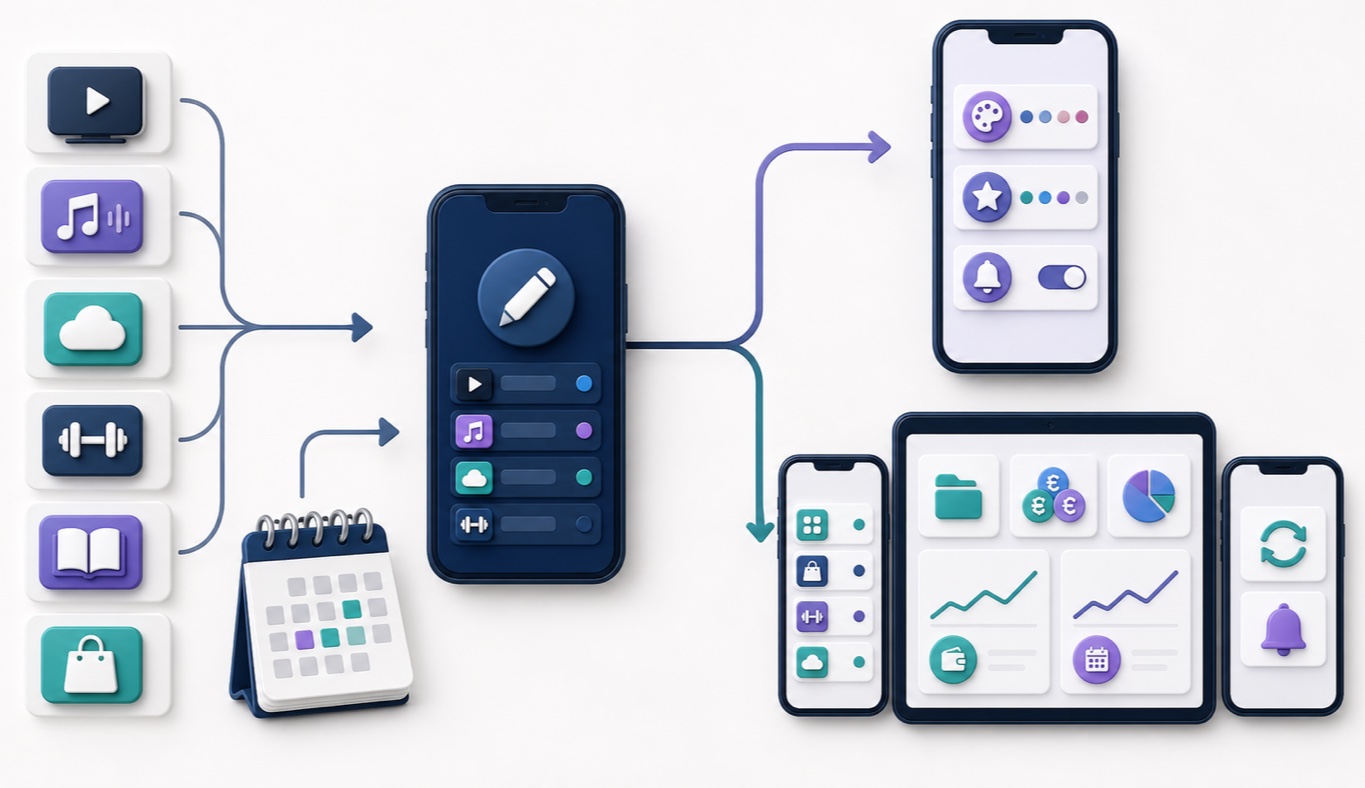
Subpli and Bobby are useful when you want to decide exactly what belongs in your recurring-cost list. You can include streaming services, software, memberships, rent, insurance, or any other repeating payment without giving a tracker direct access to transaction data.
That control creates a maintenance obligation. If a price changes, a trial converts, a renewal date moves, or you cancel a service, the tracker remains accurate only after you update the entry. A manual tracker is therefore best treated as a small calendar system, not as an automatic audit of every account.
- Use either app when you already know which payments you want to track and prefer deliberate entry.
- Use a bank-connected detector instead when automatic transaction discovery matters more than manual control.
- Use Apple’s subscription settings as well for Apple-billed purchases; a manual tracker does not cancel a service for you.
Platform coverage is the clearest difference
Bobby’s current official App Store listing labels the app “Only for iPhone.” That makes the decision simple for Android users: Bobby is not currently presented as an Android option.
Subpli’s current listings cover iPhone, iPad, and Android. Its account workflow also describes sync for users who choose to sign in, while Guest Mode lets someone begin before sign-in. Choose Subpli when the same recurring-cost system needs to span Apple and Android devices, or when a larger iPad interface matters.
If you use only an iPhone, platform coverage stops being decisive. In that case, compare the next three things: how entries are created, how early reminders arrive, and which overview helps you act.
Adding and customizing recurring payments
Both apps reduce typing with a catalog of familiar services and allow custom entries for anything that is missing. Bobby’s listing says you can choose from hundreds of existing subscriptions or create your own, then enter contract details. It is a strong fit for someone who values an iPhone-first list with recognizable services and custom entries.
Subpli’s current listing describes plan name, cost, notes, custom icons, category, billing frequency, dates, and currency. That extra structure is useful when your list mixes subscriptions with other recurring bills or when you want to filter spending by category.
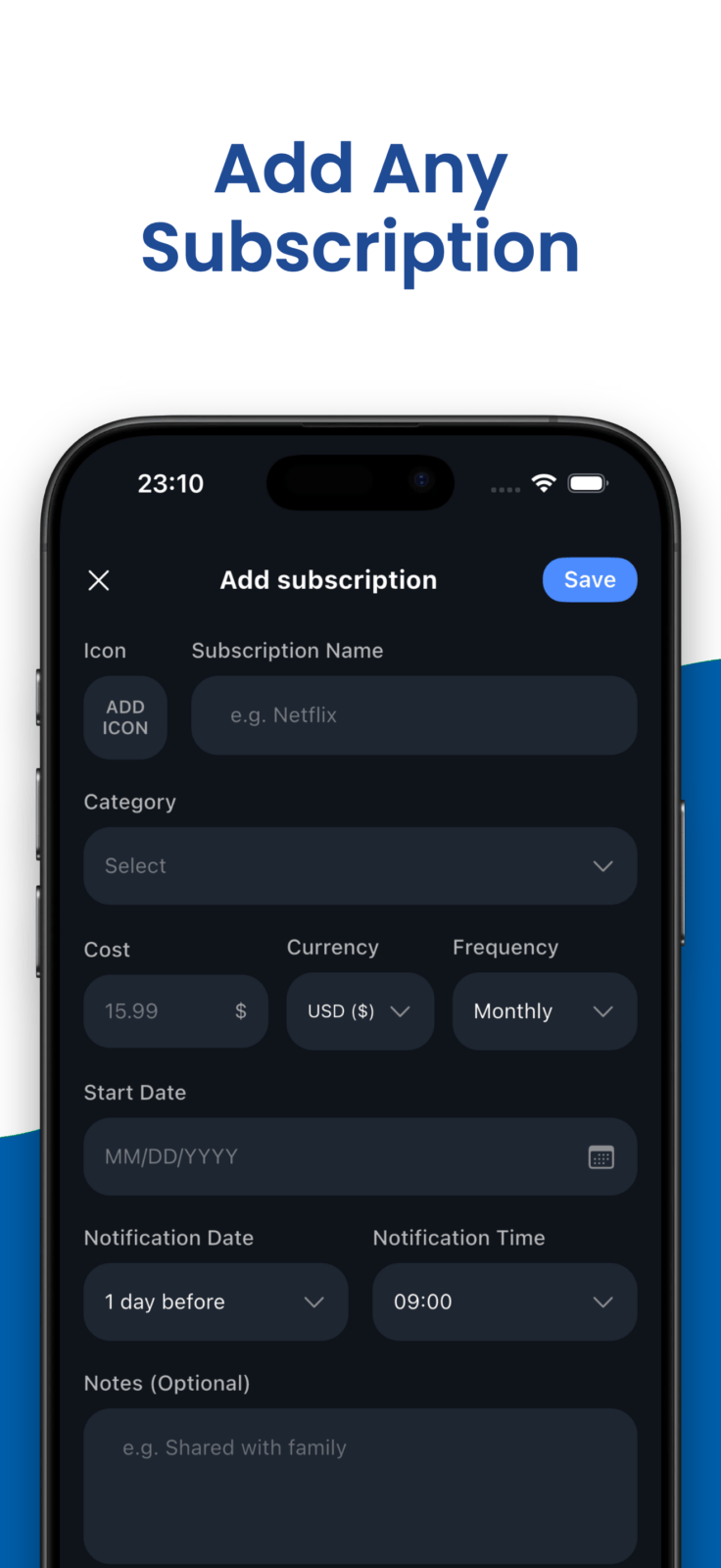
Do not build a perfect database on the first day. Start with the ten recurring payments that are most expensive or easiest to forget. Add notes only when they help with a future decision, such as where to cancel, who uses the service, or why the renewal date differs from the billing date.
Reminder controls: lead time matters more than quantity
Subpli publishes three reminder lead times: 1 day, 3 days, or 1 week before the next billing cycle. That is useful when different payments need different preparation. A weekly streaming renewal may need little warning, while an annual software or insurance payment may deserve a full week.
Bobby’s main App Store description confirms bill-due notifications, but it does not publish the same three lead-time options in the current feature summary. Bobby may still suit you if the important job is simply seeing what is due and receiving a notification on iPhone.
Whichever app you choose, test one reminder immediately. Notification permission, Focus modes, battery controls, and device settings can prevent a well-configured alert from being seen. A reminder system is not reliable until one real alert reaches the lock screen at the expected time.
Totals, categories, and currency handling
Bobby’s current listing emphasizes a clear overview of all subscriptions, upcoming bills, and the amount spent on recurring costs. That compact summary is enough for a reader whose main questions are “What renews next?” and “What is my total?”
Subpli expands that view with monthly and yearly totals, upcoming charges, category filters, trends, and multi-currency support with automatic exchange-rate updates. Those features are more relevant when costs use different billing intervals or currencies and a single monthly number would hide the pattern.
Exchange-rate totals are still planning estimates because card issuers, payment processors, taxes, and the final billing date can change the amount charged. Keep the original currency on the entry and use the converted dashboard total for orientation rather than reconciliation.
Where Subpli fits
Subpli is developed by Zappira, which publishes this comparison. Its honest advantage here is breadth within a manual workflow: iPhone, iPad, and Android support; several reminder lead times; category filters; monthly and yearly totals; and multi-currency reporting.
Choose Subpli if: you use Android or iPad, want one structured list for subscriptions and recurring bills, need different reminder lead times, or track costs in multiple currencies.
Limitation: you are responsible for adding and updating recurring payments. The current official listings do not present Subpli as a replacement for reviewing bank statements, Apple-billed subscriptions, or provider cancellation pages.
Review the current device requirements and product details in the verified store for your platform.
Where Bobby fits
Bobby is the better fit when your tracking life is centered on one iPhone and you want a clean list of fixed costs, familiar preset services, custom entries, upcoming bills, and notifications. Its narrower platform scope can be an advantage when you do not want a broader cross-device system.
Choose Bobby if: you use only an iPhone, value a focused list with preset and custom entries, and mainly need total spending plus a view of the next bills due.
Limitation: the current official listing markets Bobby as iPhone-only. Its main feature description also does not document the same multi-currency reporting or published 1-day, 3-day, and 1-week reminder menu as Subpli. Check the live App Store page before choosing based on a feature that may change.
A practical five-minute comparison test
- Add one monthly service and one annual bill to each app.
- Use one preset service and one custom entry so you see both creation paths.
- Set the renewal dates close enough to test a real notification.
- Compare how quickly you can answer three questions: what renews next, what costs the most, and what the yearly total looks like.
- Change one price and cancel one test entry. Notice how easy it is to keep the list accurate.
- If you use more than one device or currency, test that requirement before moving the rest of your list.
This short test exposes more than screenshots do. A tracker succeeds when you can update it without friction and understand the next decision at a glance.
Final recommendation
Subpli is the stronger choice for cross-platform tracking, multiple reminder lead times, category-based reporting, and multi-currency totals. Bobby is the stronger choice for an iPhone-only user who wants a compact view of recurring expenses and upcoming bills.
Both are manual trackers, so the best app is the one you will keep current. If you want a broader field before deciding, compare the best subscription tracker apps for iPhone. If avoiding financial-account connections is your main priority, use our workflow for tracking subscriptions without linking a bank account.
Frequently asked questions
Are Subpli and Bobby automatic subscription detectors?
The current official descriptions focus on adding recurring payments and maintaining their details. Do not assume either app will discover every charge automatically. Review statements and provider accounts separately when completeness matters.
Can Android users install Bobby?
Bobby’s current official App Store listing says it is only for iPhone. Subpli has current official listings for both Android and Apple devices.
Which app is better for multiple currencies?
Subpli is the documented choice: its current listings advertise multi-currency support and automatic exchange-rate updates. Bobby’s current main App Store description does not specify equivalent multi-currency reporting.
Can either app cancel a subscription for me?
Do not treat a tracker entry as a cancellation request. Cancel through Apple, Google Play, or the service provider, then update the tracker so its dashboard stays accurate. Our guide to finding and canceling forgotten subscriptions on iPhone explains the difference.