
The best subscription tracker for iPhone depends on how you want to find recurring charges. Choose Subpli if you want a focused manual tracker without linking a bank account, Rocket Money if you want automatic detection from connected financial accounts, Bobby for a simple iPhone-only list, Subtrack for Apple-device sync, or SubView for local-only tracking with a one-time upgrade.
Quick picks
- Best for no-bank, cross-platform tracking: Subpli
- Best for automatic subscription detection: Rocket Money
- Best for a simple iPhone-only overview: Bobby
- Best for iPhone, iPad, and Mac: Subtrack
- Best for local-only privacy and a one-time upgrade: SubView
Subscription tracker apps compared
| App | How it tracks | Bank connection | Platforms | Cost model shown in the App Store | Best for |
|---|---|---|---|---|---|
| Subpli | Manual entry with a service catalog | Not required | iPhone, iPad, Android | Free with in-app purchases | A focused tracker with reminders and no required registration |
| Rocket Money | Automatic detection from linked accounts | Required for automatic account scanning | iPhone | Free with in-app purchases | Detection, budgeting, and cancellation assistance in one finance app |
| Bobby | Manual entry from a catalog or custom item | No bank-based detection described | iPhone | Free with in-app purchases | A compact subscription list with due-date notifications |
| Subtrack | Manual entry with iCloud sync | Not required | iPhone, iPad, Mac | Free with in-app purchases; listing describes a one-time purchase | People who want widgets, Siri Shortcuts, and Apple-device sync |
| SubView | Manual, on-device entry | Not required | iPhone | Free for up to five entries; one-time premium unlock | Local-only tracking, budgets, and longer-term cost projections |
Important: a tracker can remind you about a renewal without being able to cancel it. Manual trackers organize the information; cancellation normally happens in Apple Settings or on the provider’s website. Rocket Money’s current listing separately advertises in-app cancellation help.
How we compared these apps
We used five decision criteria that materially change the experience:
- Discovery method: manual entry gives you control; account scanning reduces setup work.
- Data access: whether tracking requires a bank login, an app account, or neither.
- Renewal planning: upcoming-charge views, reminder controls, and annual totals.
- Device coverage: iPhone only versus iPad, Mac, or Android support.
- Business model: free access, in-app purchases, one-time unlocks, or paid finance features.
We did not rank apps by review score because ratings change and do not answer the main question: which tracking method fits your comfort level and workflow?
1. Subpli: best for focused tracking without a bank connection
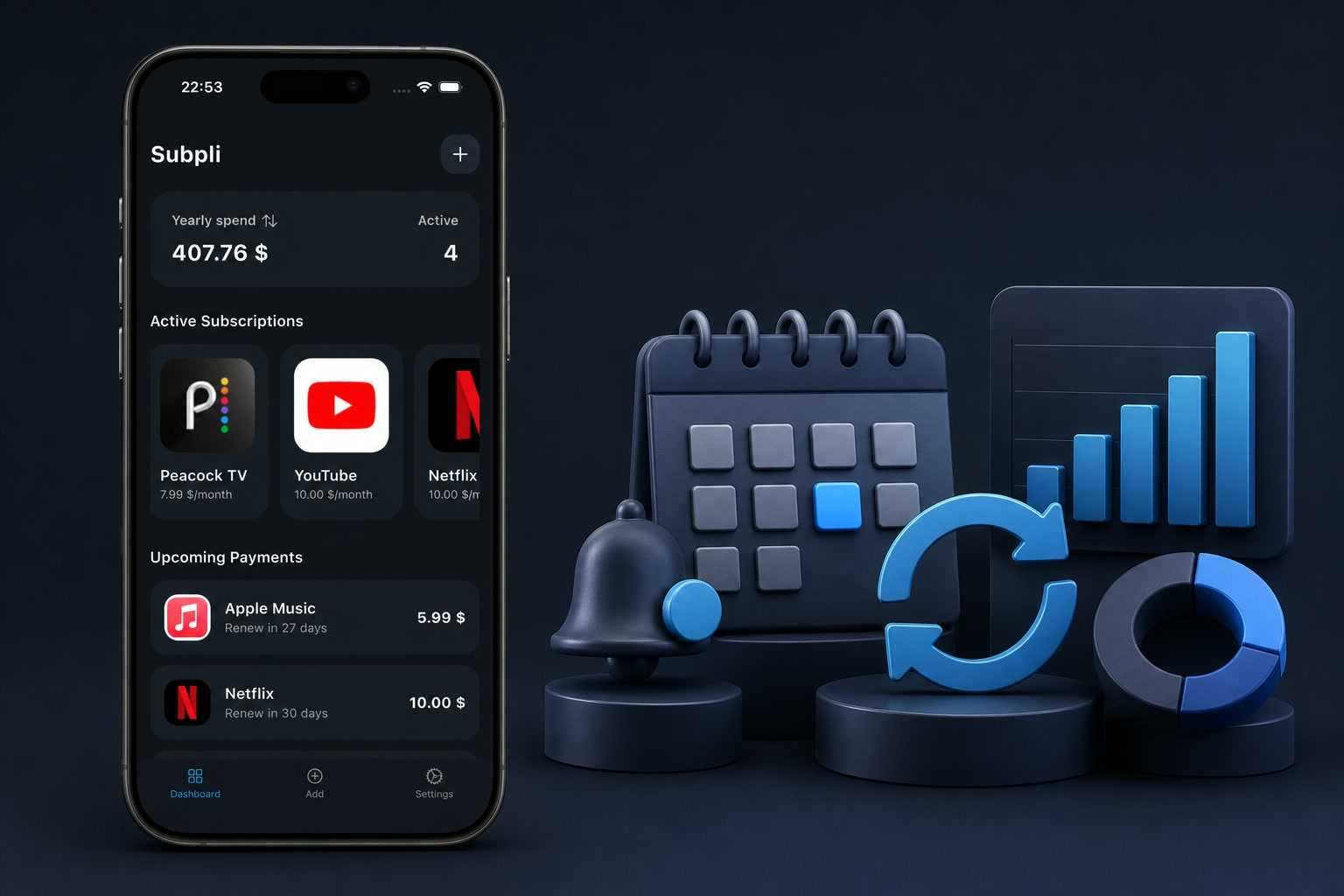
Subpli, developed by Zappira, is a manual subscription and recurring-bill tracker. You add the service, price, billing cycle, and next renewal date; the app then provides upcoming-charge reminders and monthly and yearly totals. Its current listing says reminders can be set for one day, three days, or one week before renewal.
The main advantage is separation from your financial accounts. The current iPhone and Android listings say the app has no ads and does not require registration, while Guest Mode lets you begin without an account. It also supports multiple currencies, custom entries, and a catalog for common services.
Choose it if: you want one focused place for subscriptions and other recurring bills, prefer entering details yourself, or need the same app on iPhone and Android.
Limitation: manual tracking is only accurate when you enter new subscriptions and update price or renewal-date changes. Subpli reminds and organizes; it does not claim to scan bank transactions or cancel a service for you.
Android users can use the official Google Play listing.
2. Rocket Money: best for automatic detection and broader budgeting
Rocket Money is the outlier in this list because it is a full personal-finance app, not only a manual subscription list. Its App Store description says it scans linked accounts for recurring charges, tracks subscriptions, creates budgets, and offers cancellation help.
Choose it if: automatic discovery matters more than keeping financial accounts separate, or you also want spending categories, budgeting, net-worth tracking, and bill-related tools.
Limitation: automatic detection depends on linking financial accounts, and some advertised services are paid. It is a broader and more complex product than a dedicated manual tracker. Check current in-app pricing and service availability before relying on cancellation or negotiation features.
3. Bobby: best for a simple iPhone-only subscription list
Bobby focuses on a clear view of fixed costs and upcoming bills. Its current listing describes manual setup using hundreds of existing services or a custom subscription, followed by an overview and due-date notifications.
Choose it if: you want a visually simple iPhone app whose main job is showing what renews next and what your recurring costs add up to.
Limitation: the current U.S. listing describes Bobby as iPhone-only. It does not advertise bank-based automatic detection, so plan to add and maintain subscriptions manually. Some features are in-app purchases.
4. Subtrack: best for iPhone, iPad, and Mac users
Subtrack is a manual tracker built around the Apple ecosystem. Its listing describes iCloud sync across iPhone, iPad, and Mac, plus reminders, widgets, Siri Shortcuts, export, Face ID or Touch ID protection, and a catalog of common subscriptions.
Choose it if: you regularly move between Apple devices and value native conveniences such as widgets and Siri Shortcuts.
Limitation: this is still manual tracking. Its App Store listing says the full app is a one-time purchase across Apple devices, but you should verify the current in-app price before buying.
5. SubView: best for local-only privacy and a one-time upgrade
SubView keeps subscription data on the device and does not require a bank connection or account. The current listing says its free tier tracks up to five subscriptions; the one-time premium unlock adds unlimited entries, analytics, budget tracking, timeline views, import and export, and biometric locking.
Choose it if: five subscriptions cover your basic needs, or you want a local-only iPhone tracker with a one-time premium option and longer-term cost projections.
Limitation: SubView is iPhone-only and manual. Local storage improves privacy but means you should understand its backup and export workflow before entering a large subscription catalog.
Manual tracking or automatic detection?
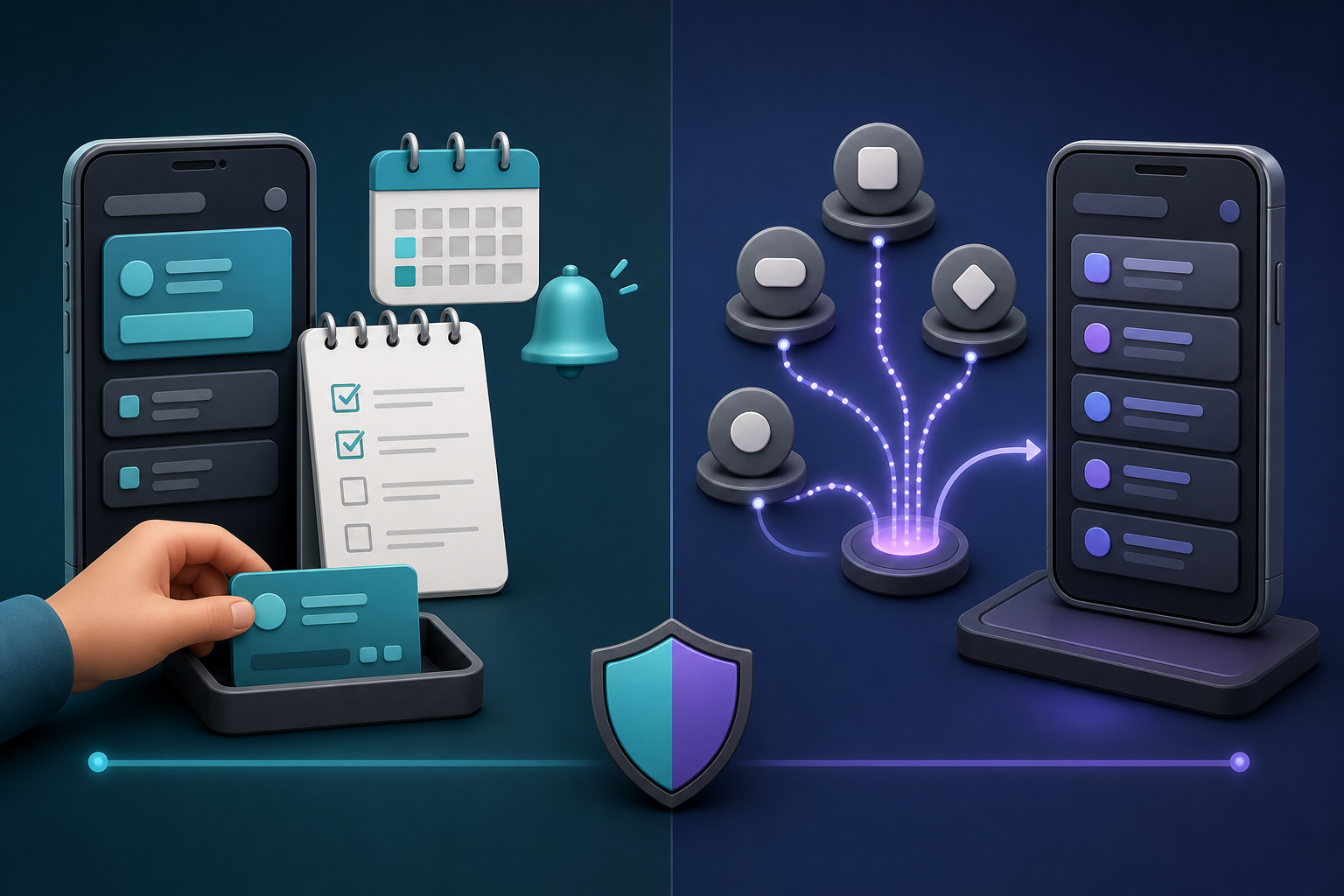
This choice matters more than small feature differences.
- Choose manual tracking if you do not want to link financial accounts, have only a manageable number of recurring charges, or want exact control over renewal dates. Subpli, Bobby, Subtrack, and SubView use this model.
- Choose automatic detection if setup speed is the priority and you are comfortable connecting financial accounts. Rocket Money is designed around this model.
Manual does not mean “set it once forever.” Prices change, trials convert, and annual plans renew on different dates. Whichever app you choose, schedule a five-minute review once a month.
Start with Apple’s built-in subscription list
Before installing anything, open Settings → your name → Subscriptions. Apple documents this screen as the place to view, change, renew, or cancel subscriptions managed through your Apple Account. It is the fastest first step, but it is not a complete record of recurring charges billed directly by a provider.
Our guide to finding and canceling forgotten subscriptions on iPhone explains how to check Apple billing, email receipts, card statements, and provider accounts without assuming everything appears in one screen. Apple’s current instructions are also available in the official iPhone User Guide.
A 10-minute setup checklist
- Review Apple Settings → Subscriptions.
- Search recent email for “renewal,” “receipt,” “subscription,” and “trial.”
- Check recent card or bank statements for repeating merchant names.
- Enter the service, exact price, currency, billing cycle, and next renewal date.
- Set the reminder far enough ahead to make a cancellation decision.
- Add the provider’s account or cancellation URL in notes when the tracker supports it.
- Compare the monthly total with the annual total; annualized costs make small charges easier to judge.
- Create a recurring monthly reminder to review the list and mark canceled services inactive.
Which subscription tracker should you choose?
Choose Subpli for a focused no-bank tracker that works on iPhone and Android. Choose Rocket Money when automatic detection and broader budgeting justify linking accounts. Choose Bobby for a minimal iPhone-only list. Choose Subtrack for Apple-device sync and native tools. Choose SubView for local-only tracking and a clearly described one-time upgrade.
The best app is the one you will keep current. If manual entry takes ten minutes today and a monthly five-minute review later, that small routine can be more reliable than an elaborate system you stop checking.
Frequently asked questions
Can an iPhone find every subscription automatically?
No single iPhone screen is guaranteed to show every recurring charge. Apple Settings manages subscriptions tied to your Apple Account, while direct provider billing can appear only in receipts, statements, or the provider account. Bank-linked apps may detect recurring transactions, but classifications and renewal dates still deserve review.
Do subscription tracker apps cancel subscriptions?
Most manual trackers do not cancel services; they record costs and remind you before renewal. Cancel Apple-managed subscriptions in Settings and provider-billed plans through the provider. Rocket Money’s current listing advertises cancellation assistance, but availability and paid requirements can vary.
Do I need to connect my bank account?
No. Subpli, Subtrack, SubView, and other manual trackers work without bank-based automatic detection. The tradeoff is that you must enter and maintain the subscription details yourself.