Choose Subpli to see what renews next alongside your monthly and yearly totals, Subby if you want to mark charges paid, or Tilla if you often stop and restart the same subscriptions. All three are available on Android and let you enter subscriptions yourself. The right choice depends on what you want to do when a charge is coming up.
This roundup compares documented workflows: how you see upcoming renewals, how you record what actually happened, and what you do with a subscription you stop using. It is based on current developer documentation and Google Play listings, not hands-on testing or measured notification reliability.
Android subscription trackers at a glance
| App | Choose it for | Check first |
|---|---|---|
| Subpli | Upcoming charges and spending totals | Whether the documented reminder choices fit your deadlines |
| Subby | Marking charges paid and reviewing payment history | Whether you will keep paid status up to date |
| Tilla | Archiving and restoring subscriptions | Whether your intended setup needs Premium features |
Subpli: for deciding before the next renewal
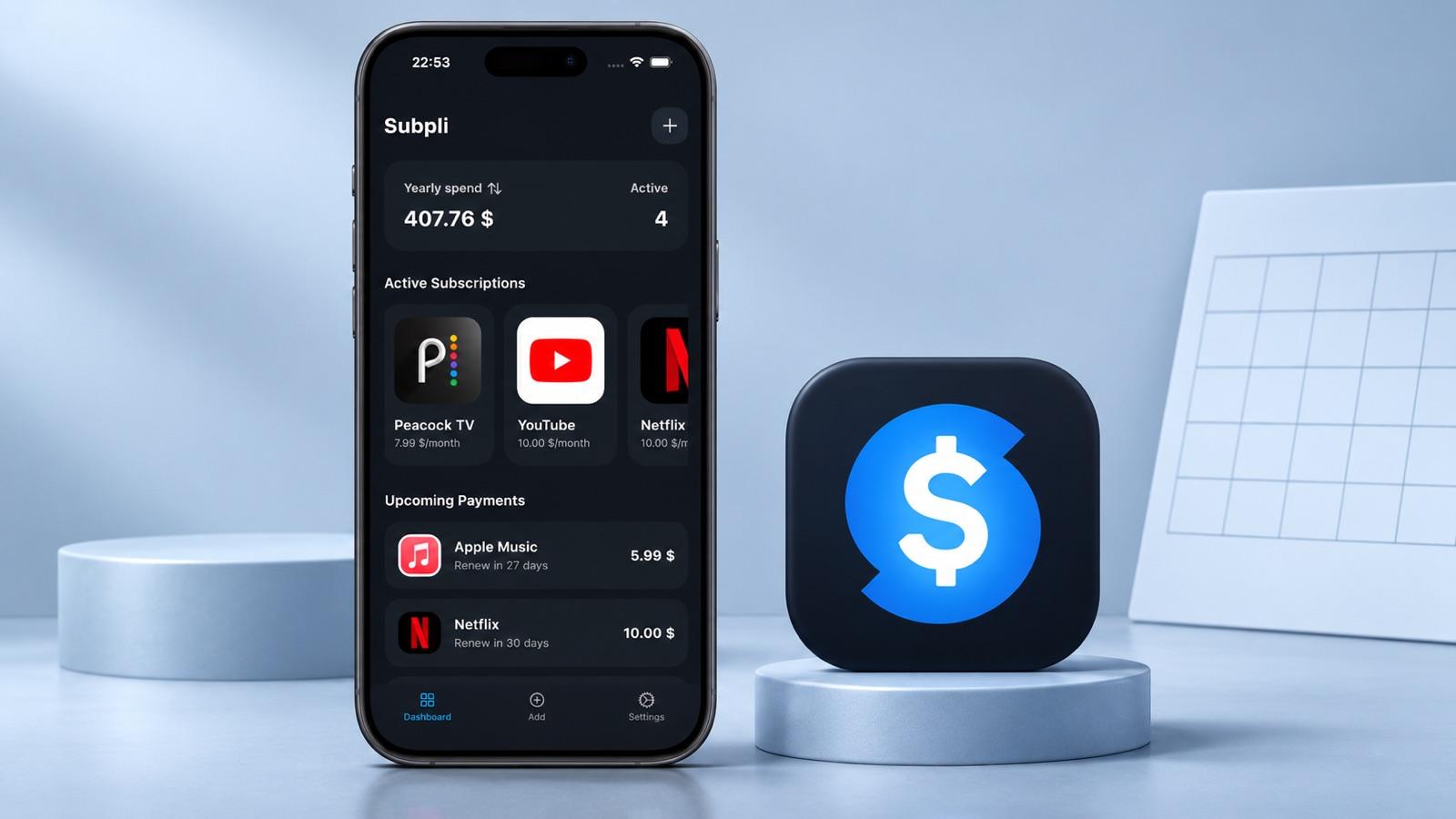
Subpli is Zappira’s own subscription tracker. It puts upcoming payments alongside monthly and yearly totals, and its service catalog can help you fill in familiar subscriptions. Verify the amount and next date against your own renewal notice: your plan or billing cycle may differ from what a catalog suggests.
Zappira documents reminders one, three, or seven days before a charge. That works when one of those windows gives you enough time to decide. If a provider requires more notice, set a separate earlier reminder rather than relying on the displayed charge date.
The product illustration below shows Subpli’s dashboard and official icon. The listed services and amounts are examples, not pricing guidance.
Subpli is a fit when your first question is “What renews next, and how much have I committed to?” If you first need to find charges you do not recognize, start with our guide to finding and tracking subscriptions without linking a bank account.
If that renewal-first view suits you, check the official listing for your device:
Subby: for keeping a record of what you paid
Subby’s Google Play listing describes a view of what’s paid and what’s still due, plus the option to mark a payment as paid from its notification. The developer also documents CSV export for payment history. That makes Subby worth a look if you review actual charges at the end of each month.
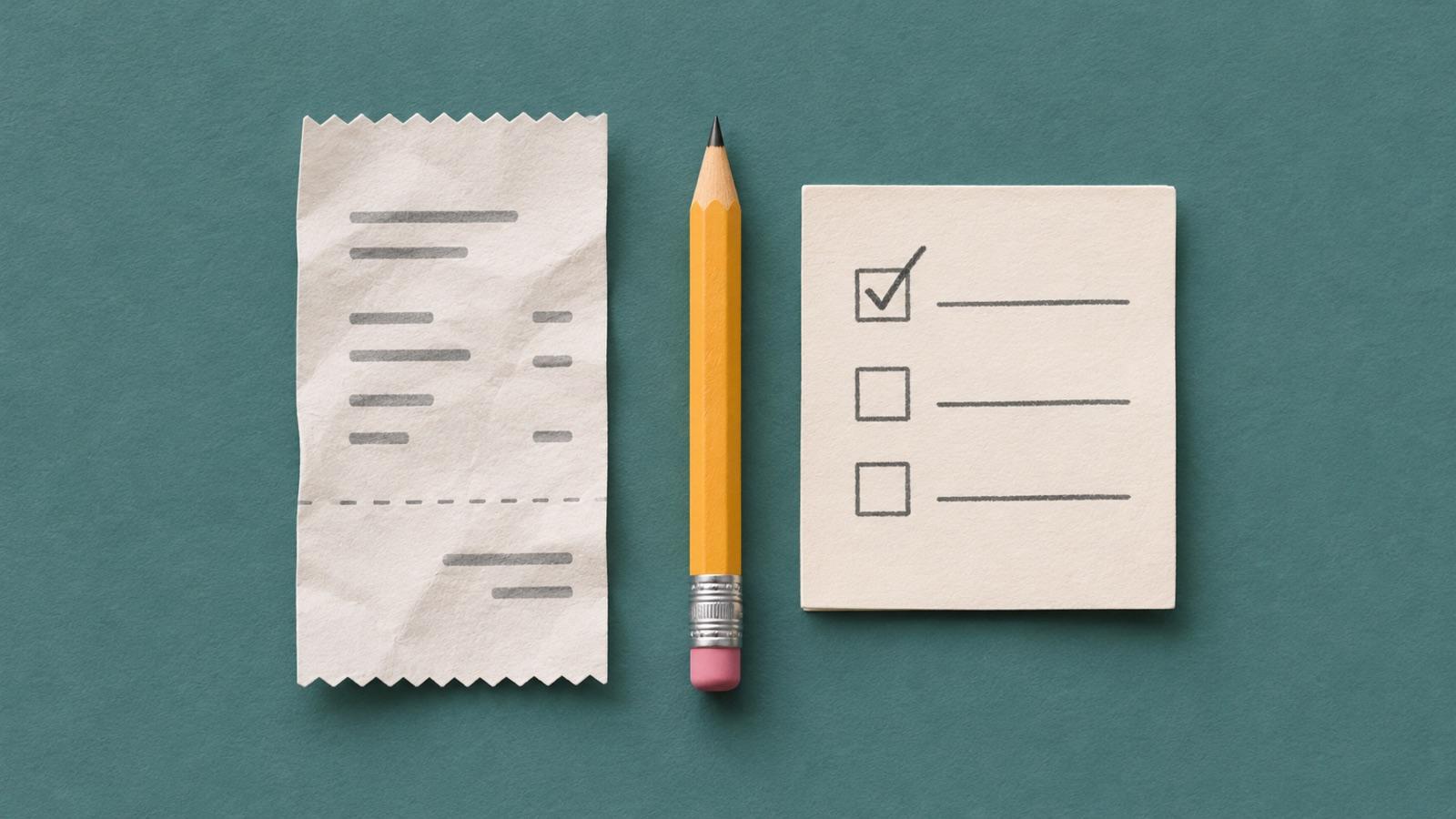
Check the receipt or posted transaction before marking a payment paid. The illustration shows that manual check; it is not Subby’s interface.
The trade-off is that paid status depends on keeping your records current. A check mark in a tracker is not independent proof of payment. The developer lists home-screen widgets and automatic Google Drive backup as Pro features, so check the listing if either is part of your routine.
Tilla: for subscriptions you stop and restart
Tilla supports entering recurring services and setting reminders. Its Google Play release notes document a subscription archive with restore. That is useful if you drop a service for a few months and later want to bring its record back without recreating it.
Archiving a record does not cancel the subscription, and restoring it does not restart billing. Cancel or restart with the provider, then update the tracker. If you need sync, backups or more room for a large list, check the current Tilla and Tilla Premium listings before moving everything.
Try three entries before moving your whole list
Use the same three examples in whichever app you try. The amounts below are hypothetical; the point is to check whether you can read the dashboard and act on what it tells you.
- One monthly plan: Enter a $12 charge and its next renewal date. Check that the date is easy to find and that the reminder gives you time to decide.
- One yearly plan: Enter a $60 renewal. That is $5 a month for budgeting, but $60 leaves your account on the renewal date. Check that you can distinguish the monthly equivalent from the upcoming charge.
- One trial: Note when it first becomes paid and any earlier cancellation deadline in the provider’s terms. Set your decision reminder before that deadline, even if it needs a separate calendar entry.
The tracker is your reminder and record; the billing provider is the source of truth. For subscriptions billed through Google Play, use Google Play’s cancellation instructions. Uninstalling an app does not cancel a subscription. If the provider billed you directly, check its account settings or support instructions instead.
Start with the decision you miss most often: what is about to renew, whether a charge went through, or which services you stopped and may restart. If you mainly need reminders for utilities and other due dates, see our Android bill reminder roundup instead.